
AINSFW Blog
Practical tutorials, model guides, and ideas for your next AI creation.
How to Create a Consistent NSFW AI Girlfriend Video from One Image
This guide starts from one approved reference image and explains how to turn it into controlled video clips without losing the character’s facial identity, body proportions, or visual state.
Read article
MiniMax H3 Ref2VA for NSFW AI Videos: ComfyUI Setup and Reference Workflow
Set up MiniMax H3 Ref2VA in ComfyUI, map image, video, and audio references, and keep an NSFW AI character consistent across short video shots.
Read article
Kling 4.0 Is Coming Soon: What NSFW Creators Need to Know
Kling 4.0 is approaching a wider release, and the anticipation is not difficult to understand. Creators want more believable human movement, stronger identity preservation, better camera control, and fewer generations ruined by a malformed hand, unwanted cut, or sudden change in body shape.
Read articleAll articles
How to Create a Consistent NSFW AI Girlfriend Video from One Image
This guide starts from one approved reference image and explains how to turn it into controlled video clips without losing the character’s facial identity, body proportions, or visual state.
Read article
Can Krea 2 Turbo Generate NSFW Images? Local Setup, LoRAs, and Limits
Krea 2 Turbo has attracted attention for two reasons: it generates images quickly, and its downloadable weights can run outside Krea’s online platform. That combination naturally raises another question: can it serve as a local NSFW image model? The answer depends on what you mean by local, uncensored, and usable. This guide separates those questions, explains the RAW and Turbo checkpoints, and shows how to evaluate Krea 2 Turbo without mistaking a local installation for guaranteed no-filter generation.
Read article
NSFW Image to Video in 2026: How to Animate an Image Without Losing the Character
Learn how to turn one NSFW image into a stable AI video in 2026. Choose the right workflow, write motion prompts, reduce face drift, and fix failed clips.
Read articleMiniMax H3 Ref2VA for NSFW AI Videos: ComfyUI Setup and Reference Workflow
Set up MiniMax H3 Ref2VA in ComfyUI, map image, video, and audio references, and keep an NSFW AI character consistent across short video shots.
Read articleKling 4.0 Is Coming Soon: What NSFW Creators Need to Know
Kling 4.0 is approaching a wider release, and the anticipation is not difficult to understand. Creators want more believable human movement, stronger identity preservation, better camera control, and fewer generations ruined by a malformed hand, unwanted cut, or sudden change in body shape.
Read article
Unfiltered AI: How to Choose Chat, Image & Video Tools
Find the right unfiltered AI tool for images, video or chat. Get direct answers on privacy, free access, local GPU requirements and fixing failed generations.
Read article
What Is NSFW AI Drama? Why AI Video Is Moving Toward Story-Driven Content
This guide explains what NSFW AI drama means, why interest is growing, what viewers actually expect from it, and how it could influence the next generation of AI video products and creator content.
Read article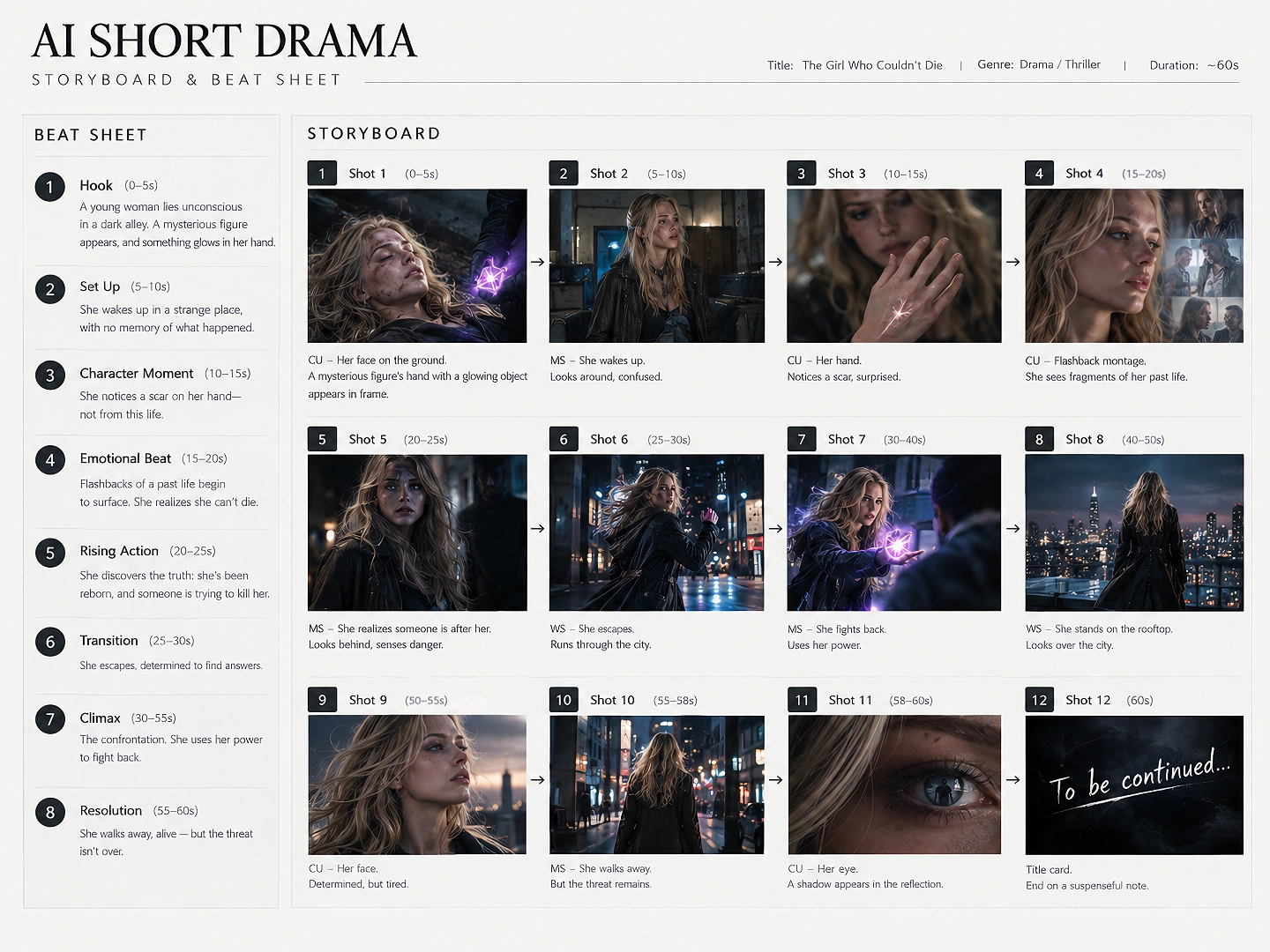
Huangguo AI Short Drama Workflow: How to Make an NSFW AI Vertical Drama
Creating a Huangguo-style NSFW AI short drama is not the same as generating a collection of unrelated clips. The real challenge is keeping the characters, locations, visual states, and story logic connected across an entire vertical episode. This guide follows the main production stages used to build a Huangguo-style short drama, then explains what each stage needs to produce before the project can move forward. It assumes an original or creator-owned synthetic cast, with every character represented as 18 or older, and source material you have the right to use.
Read article
AI NSFW Reels for Creators
Create AI NSFW reels, teaser videos, persona clips, and adult short-form content that drives profile visits, bio clicks, and paid fan traffic.
Read articleWhat Is NSFW AI? The Beginner's Guide
NSFW AI lets you generate adult images, videos, and chat with no content filters. This beginner's guide explains what it is, how it works, and how to try it for free.
Read articlePut your next idea into motion.
Explore AI Video