AINSFW.AI

NSFW AI Character Video Generator

Create a reusable nsfw ai character for persona clips, teaser scenes, short-form reels, and recurring video content with a more consistent face, body, style, and visual identit

0/800
Duration:

Don’t have a reference image yet? Start with the tag based image generator to create your first character image from style, face, body, hair, outfit, and scene tags without writing a long prompt.

From One Character to Repeatable Video Content

AINSFWAI helps you create more than one random clip. With an NSFW AI Character Video Generator, the goal is to build a recognizable character that can appear across multiple videos, reels, teaser scenes, and recurring content formats.

A stable character gives your content a clearer identity. The same face, body, styling, mood, and camera language can carry across different scenes, which makes each new clip feel connected instead of disconnected.

This is the difference between generating a video once and building a reusable AI persona.

One Character, Multiple Video Directions

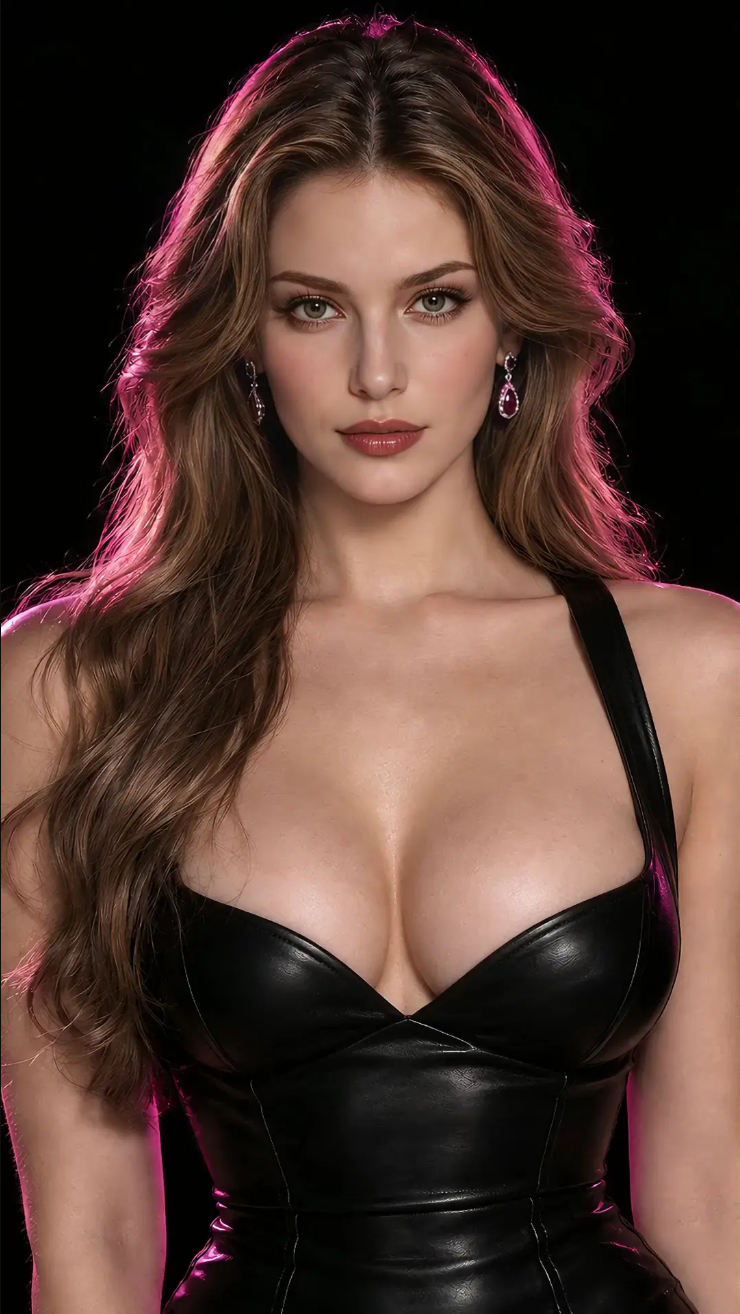
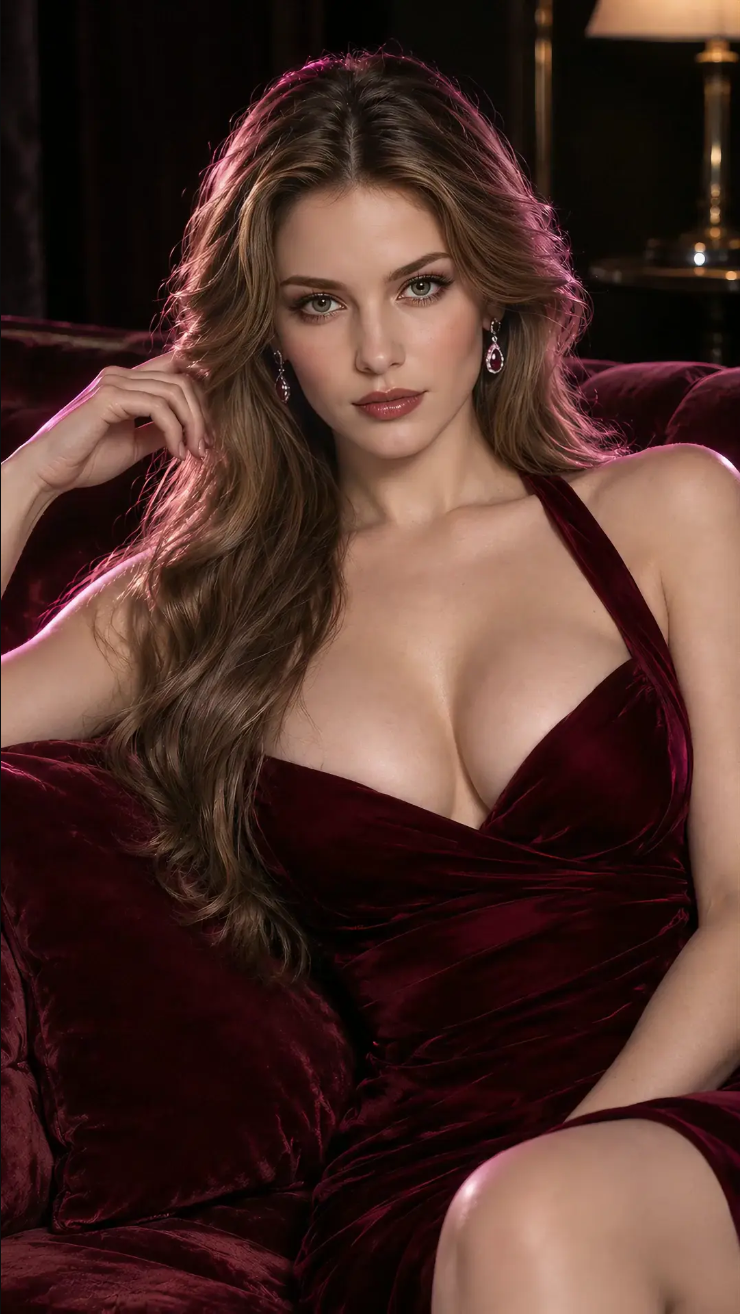
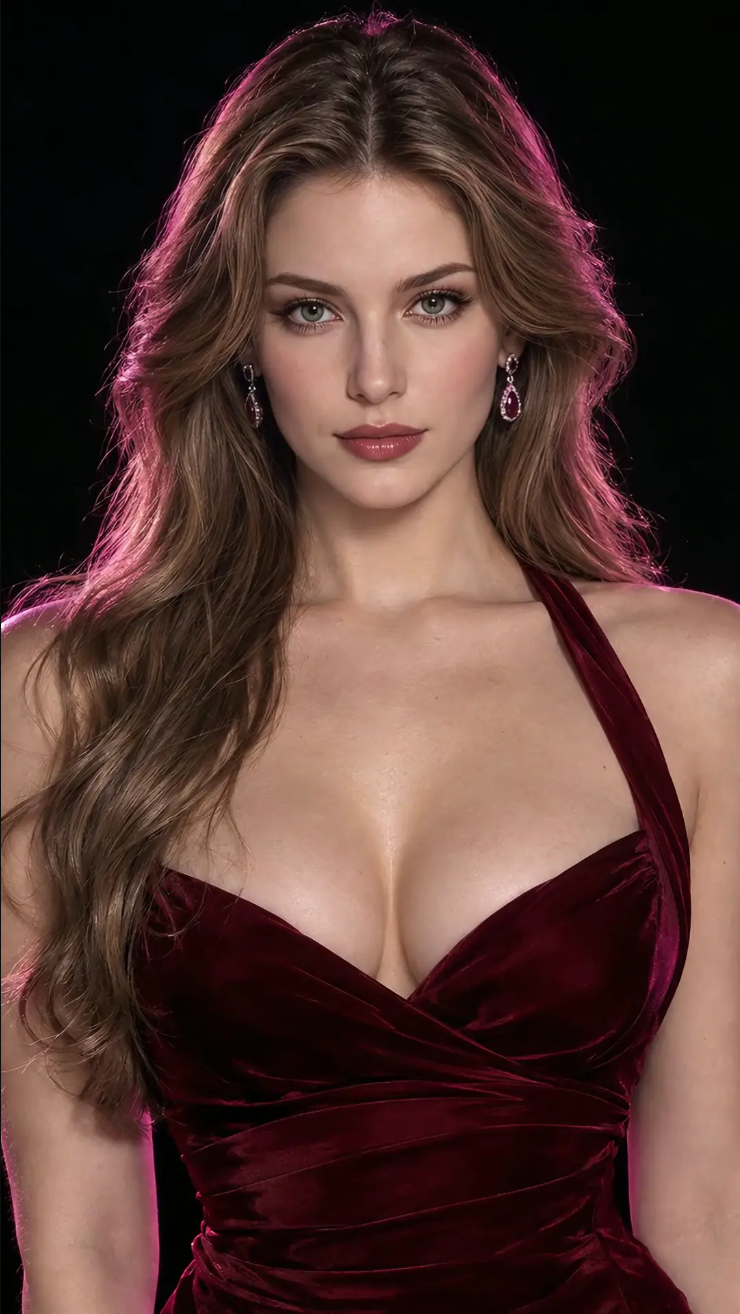
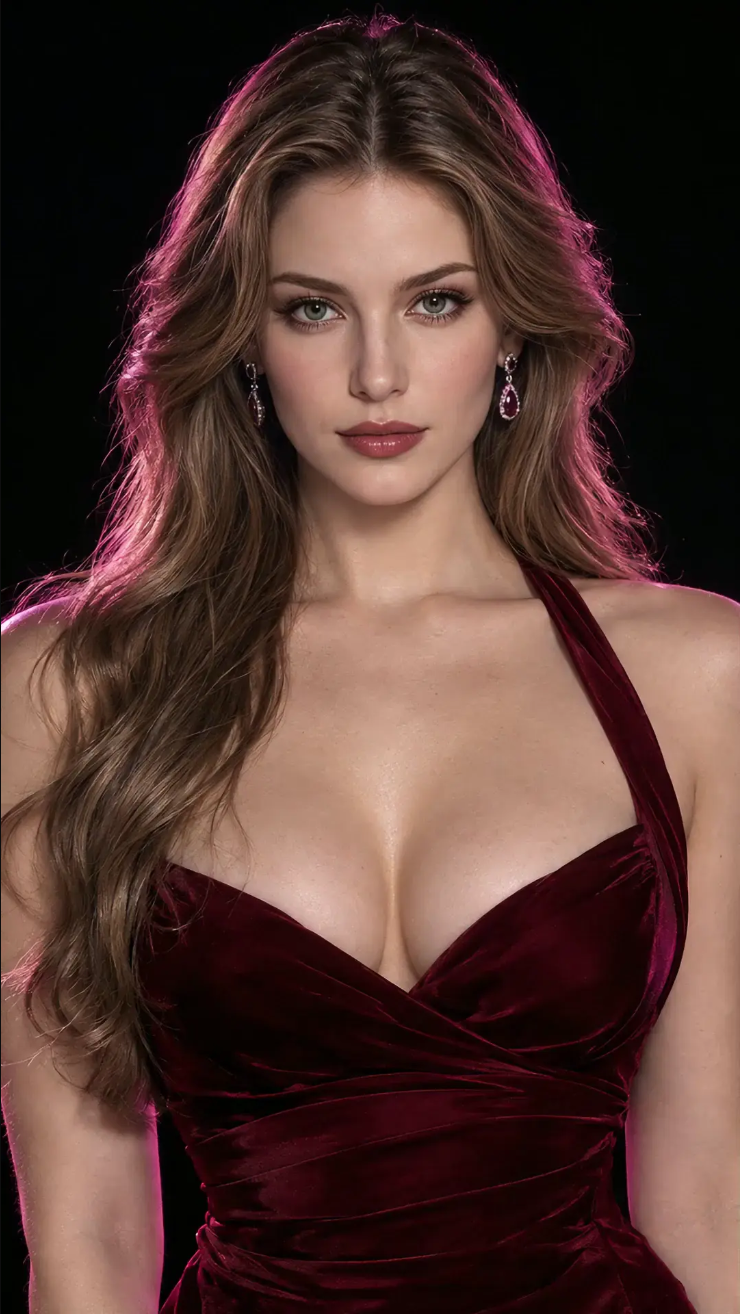
Keep the same AI character recognizable across different outfits, expressions, poses, scenes, and video clips.

Base Character
Same Face, New Styling
Same Face, New Pose and Scene
Same Face, New Motion
Same Face, New Expression
Same Face, New Lighting

What Makes an AI Character Reusable?

  • Face identity

    Facial structure, expression style, and recognizable features should remain close across clips.

  • Body shape

    Body proportions, posture, silhouette, and visual presence should not drift too much from one output to the next.

  • Styling

    Hair, outfit direction, makeup, accessories, and color palette help the character feel recognizable.

  • Scene mood

    Lighting, background, camera angle, and atmosphere create a repeatable visual language.

  • Persona direction

    A strong AI persona video generator workflow gives the character a clear vibe, not just a random look.

  • Motion style

    Simple motion cues like turning, posing, walking, looking at camera, or reacting to the scene can help the video feel intentional.

That is why a consistent character AI video generator is more useful when your goal is recurring content, not one-off experiments.

Common Problems With AI Character Videos

Most users searching for a same character AI video generator are trying to fix the same issue: the character keeps changing.

  • The face changes between clips

    A character may look close in one video, then appear like a different person in the next.

  • The body or styling drifts

    Outfits, hair, proportions, and visual details can shift when the prompt is too loose.

  • The prompt is too broad

    If the prompt only describes a general look, the model has too much room to reinvent the character.

  • The clips do not feel connected

    Different camera styles, lighting, and scene moods can make videos feel unrelated, even when the character is similar.

One-Off Clips vs Character-Based AI Video

One-Off Clips

Random clips are useful for quick testing. Character-based videos are better when you want repeatable content around one recognizable persona.

Character-Based AI Video

A character-based workflow helps you build around the same visual identity while still changing the scene, movement, outfit direction, and format.

Character Consistency Workflow

AINSFWAI helps you turn a character idea into repeatable video content through a simple workflow.

  1. 1

    Start with a character reference

    Use a clear image that defines the face, body shape, hairstyle, and visual direction.hen bring that image into the video workflow.

  2. 2

    Set the style direction

    Keep important details consistent, such as outfit type, lighting, color palette, and camera mood.

  3. 3

    Write the scene prompt

    Describe what the character is doing, where the scene happens, and what kind of video you want.

  4. 4

    Add motion direction

    Guide the output with simple motion cues, such as posing, turning, walking, close-up movement, or looking at camera.

  5. 5

    AI Video Output

    Character Reference → Style Direction → Scene Prompt → Motion Prompt → AI Video Output → Reuse Character

  6. 6

    Reuse the character

    Use the same character direction across new persona clips, teaser scenes, reels, and private fan content.

This is where an AI Character Video Generator NSFW workflow becomes useful: the character stays central while the content around that character can keep changing.

Video Ideas for One AI Character

One stable AI persona can support many content formats.

  • Persona clips

    01

    Short videos that introduce the character’s look, attitude, and visual identity.

  • Teaser scenes

    02

    Short scene-based clips designed to create curiosity and bring viewers back to your profile or private fan funnel.

  • Fantasy and scenario clips

    03

    Character-led videos built around a mood, setting, role, or visual concept.

  • Short-form reels

    04

    Vertical clips for repeat posting, profile visits, and bio clicks.

  • Episode previews

    05

    Recurring clips that suggest a continuing storyline, scene sequence, or character arc.

  • Private fan promos

    06

    Preview-style assets for subscription updates, exclusive drops, or private community posts.

Why Use AINSFWAI for Character Videos?

AINSFWAI is designed for creators who need repeatable character video workflows, not disconnected one-time outputs.

  • Character consistency

    Keep the same face, body, styling, and visual identity across multiple clips.

  • Reference-based control

    Use a character image to guide the look while your prompt changes the scene, motion, and mood.

  • No-prompt starter path

    If you do not know how to build the first image, use tags to create a starter character image before turning it into video.

  • Persona-driven creation

    Build around a recognizable AI persona instead of treating every video as a separate experiment.

  • Recurring content support

    Create teaser scenes, reels, episode previews, and private fan promo assets around the same character.

  • Flexible NSFW character creation

    AINSFWAI can support uncensored ai character concepts and sexy character creator workflows when the content fits supported use and your own content boundaries.

FAQ

Turn Your Character Image Into AI Video

Start With Image to Video