
Quick Answer: How Do You Keep an NSFW AI Girlfriend Consistent in Video?
To create a consistent NSFW AI girlfriend video, choose a reference image that supports the intended action, record which identity and visual-state details must remain fixed, and use image-to-video instead of rebuilding the character from text. Write the prompt around one controlled movement rather than repeating a long description of the character’s appearance.
Begin with a short test. Compare the first stable frame, the midpoint of the main action, and the final stable frame. If the character changes unexpectedly, determine whether the cause is the reference image, motion prompt, or video model before regenerating. Change one variable at a time, and increase motion complexity only after the simpler version remains stable.
What Consistency Actually Means in an NSFW AI Girlfriend Video
Consistency is broader than keeping the same face. A video can preserve facial identity and still fail because the body, visual state, or motion changes unpredictably.
Face identity means the eyes, jawline, nose, lips, facial structure, and recognizable features continue to look like the same person.
Body consistency means the silhouette and body proportions do not expand, shrink, or change shape as the pose develops.
Anatomy consistency means limbs remain connected, hands do not merge into the body, and visible anatomy stays structurally believable throughout the movement.
Clothing and exposure continuity means the character’s state of dress and visible body coverage do not change unexpectedly between frames unless that transition was deliberately requested.
Motion and scene continuity means the pose, camera, lighting, and background develop smoothly instead of jumping between unrelated visual states.
A useful result does not need every frame to look identical to the reference image. It should preserve enough facial identity, body proportions, and visual continuity for viewers to recognize the same AI girlfriend from the first frame to the last.
Step 1: Choose a Reference Image That Fits the Motion
The best AI girlfriend reference image is not simply the most attractive still. It is the image that gives the video model enough information to perform the intended motion.
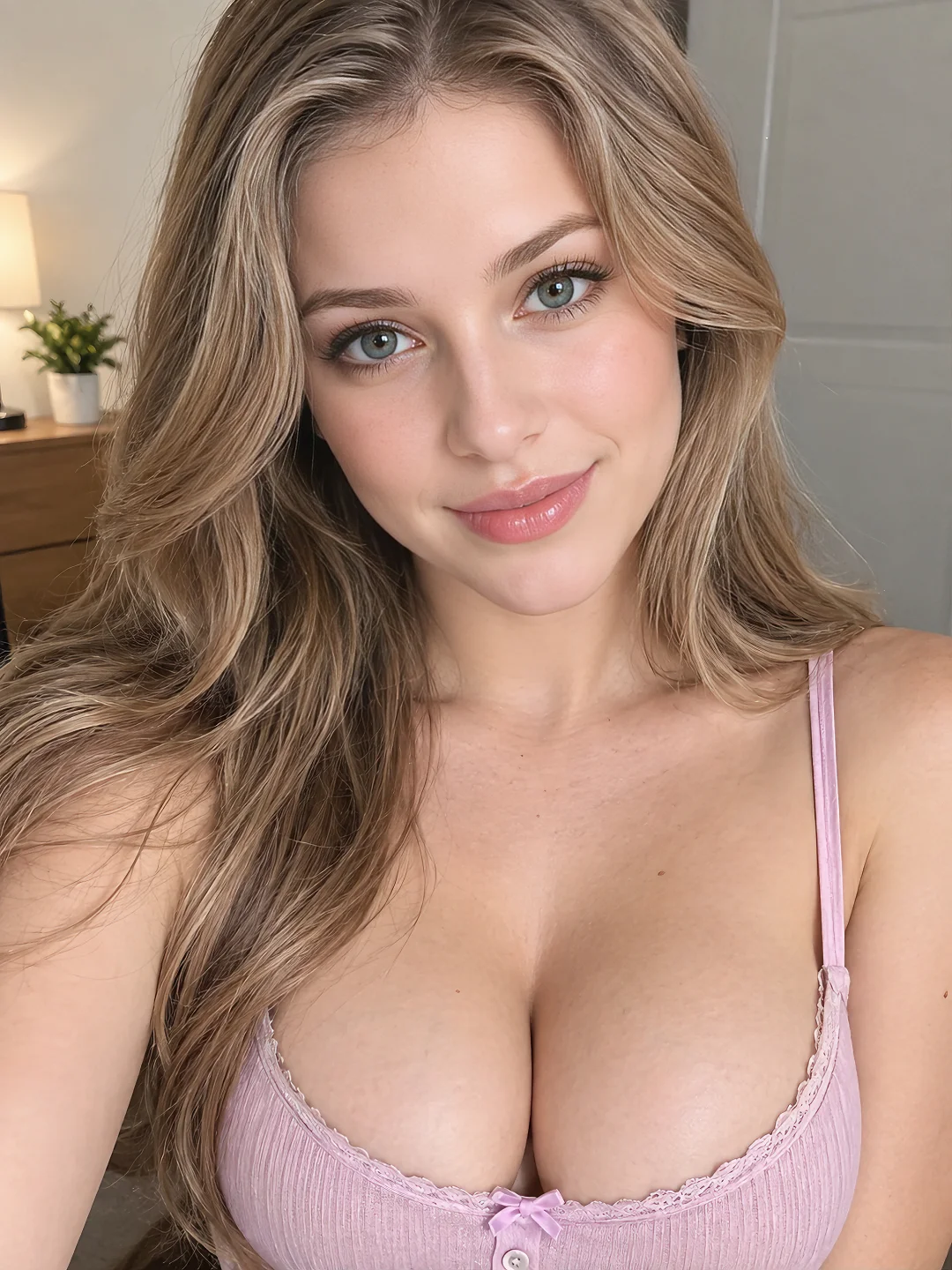
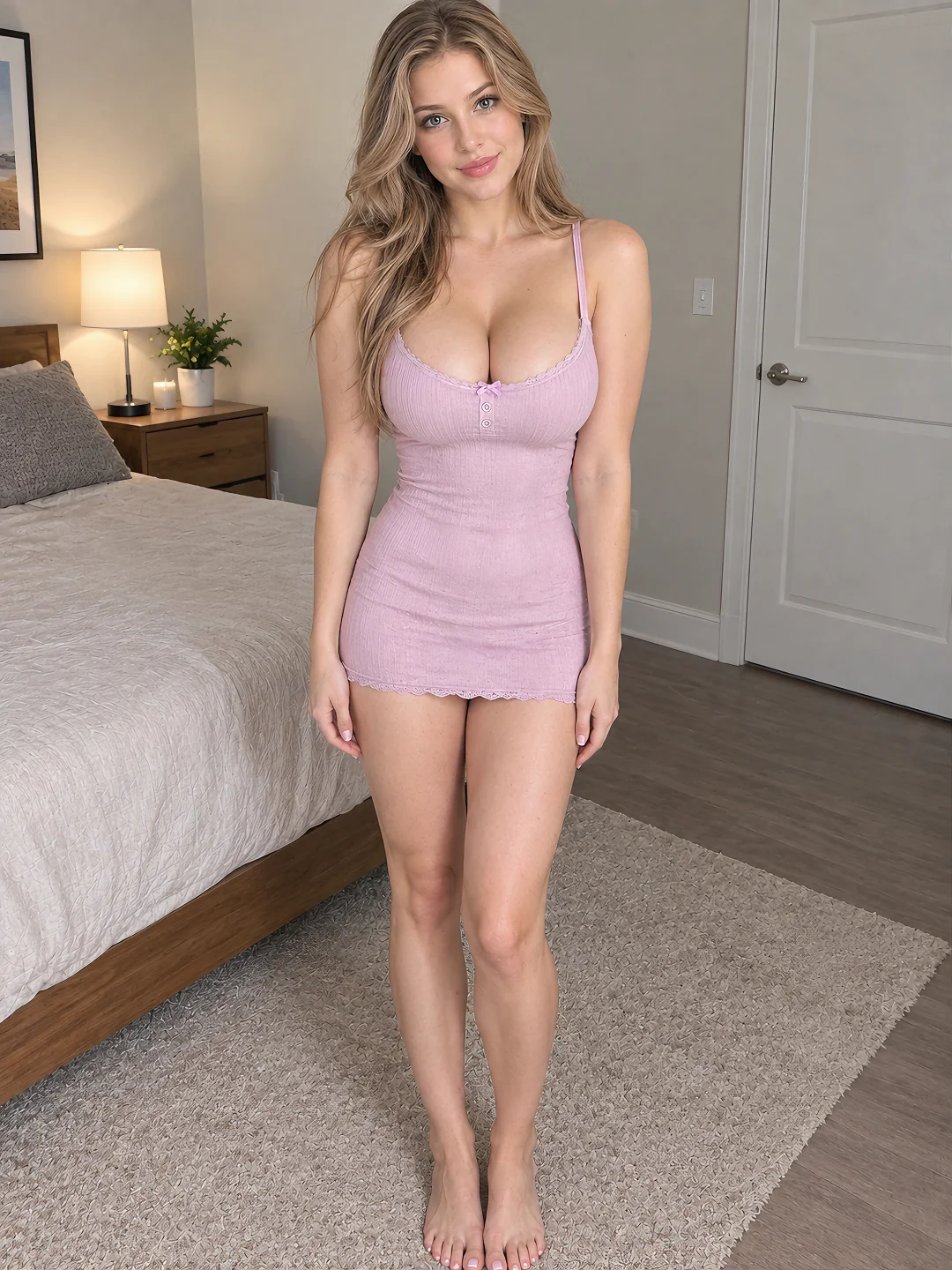
A close-up works well for eye contact, breathing, expression changes, and small head movements. A medium shot gives more room for shoulder movement, leaning, seated pose adjustments, and subtle sensual motion. A full-body image is more appropriate for standing, turning, walking, or larger pose transitions.
Match the framing to the action. Asking a tightly cropped portrait to become a full-body sequence forces the model to invent anatomy that was never visible. Asking an extreme side view to produce direct eye contact requires the model to reconstruct most of the face.
Before using an image, check that the face is sharp, the intended body area is visible, limbs are readable, the pose is physically stable, and the background does not merge with the character. Heavy shadows, crossed limbs, hands covering important body boundaries, and unclear clothing edges can become larger errors once motion begins.

Step 2: Build a Continuity Card Before Writing the Prompt
A continuity card is a short record of what the model should preserve and what it may change. It prevents you from accidentally changing the face, body, styling, pose, camera, and setting in the same generation.
Use four groups:
Identity: face, hair, skin tone, and recognizable features.
Body: proportions, silhouette, posture, and starting position.
Visual state: styling, clothing, exposure level, and any details that must remain visible.
Shot: framing, camera distance, lighting, background, and intended movement.
Then separate fixed details from flexible ones:
Must remain fixed:
same face, hairstyle, body proportions, visual state, and room layout

Allowed to change:
expression, gaze, slight upper-body position, and camera proximity

Motion goal:
slow pose adjustment followed by intimate eye contact

Camera:
fixed position with a subtle push-in
This is not the final prompt. It is a production note that helps you write a prompt with one clear job.
Step 3: Use Image-to-Video When the Character Already Exists
Text-to-video is useful when you are still exploring what the character should look like. AI girlfriend image-to-video is more suitable when the appearance has already been decided.
| Route | Best starting point | Main tradeoff |
|---|---|---|
| Text-to-video | A written character or scene idea | More visual freedom, less identity control |
| Image-to-video | One approved AI girlfriend image | Stronger visual anchor, motion remains influenced by the starting pose |
| Reference-to-video | A character identity that must guide a new shot | More flexible shot creation where supported, but not a perfect identity lock |
A reference image gives the model a visual starting point; it does not create a complete three-dimensional character. When the face rotates, a limb moves out of view, or the camera reveals a new angle, the model still has to construct information that was not visible in the original image.
Step 4: Write a Motion Prompt, Not Another Image Prompt
Once the source image defines the character, the video prompt should explain what changes over time. Repeating a long description of her face and body may give the model another identity to reconcile with the uploaded image.
Use this structure:
Primary motion
+ expression or gaze
+ body or visual-state constraint
+ camera behavior
+ pace
Intimate close-up
She maintains intimate eye contact, takes a slow natural breath, and forms
a subtle smile. Facial identity remains stable, fixed camera, slow continuous motion.
Sensual seated pose
She slowly shifts her upper-body position and leans slightly toward the camera,
maintaining the same body proportions and clothing and exposure state.
Natural movement, steady framing, unhurried pace.
Controlled body movement
She makes one slow pose transition while keeping her balance and body position
coherent. Stable anatomy, consistent visual state, minimal camera movement,
smooth continuous motion.
These prompts are intentionally restrained. They give the model one primary action and a few continuity constraints. A short prompt with one readable motion is usually easier to evaluate than a long sequence containing several poses, camera changes, expressions, and scene transitions.
Avoid filling the prompt with generic appearance terms such as “beautiful,” “perfect body,” or “highly detailed” when the source image has already established those qualities. Use the available prompt space to control movement.
Step 5: Increase Motion Complexity in Controlled Stages
Motion difficulty rises when the model must reveal unseen anatomy, resolve overlapping body parts, or maintain contact between moving subjects.
A practical progression is:
- Eye movement, blinking, breathing, and expression changes.
- Head, shoulder, or upper-body movement.
- A seated, standing, or reclining pose adjustment.
- A larger body turn or controlled pose transition.
- Hands moving across the body and creating temporary occlusion.
- Close physical interaction involving multiple moving contact points.
Test the first two stages before moving into more complex motion. If facial identity already drifts during a subtle head turn, a larger pose transition will usually make the problem more visible.
The ladder also helps diagnose the source of failure. If expression and upper-body tests work but a larger turn fails, the reference identity may be usable while the requested motion exceeds what that particular image can support.
Step 6: Review the Start, Midpoint, and End of Every Clip
Do not judge an AI girlfriend video from one image by its thumbnail. A strong opening frame can hide identity drift, anatomy changes, or broken motion later in the clip.
Pause the video at the first stable frame, the midpoint of the main action, and the final stable frame. Check five areas:
Identity drift: face shape, eyes, jawline, hairline, and other recognizable features.
Body and anatomy: proportions, silhouette, hands, limbs, and visible joints.
Visual-state continuity: styling, body coverage, and details that should remain visible.
Motion continuity: pose direction, contact points, and temporary occlusion.
Shot stability: framing, camera distance, background structure, and lighting.
Note the first frame where a visible change begins. That moment is more useful for diagnosis than judging only the final frame.
Pay particular attention to moments when the face turns, a hand crosses the body, one limb overlaps another, or the camera moves closer. These are transition points where the model has to reconstruct more hidden information.
Step 7: Diagnose the Cause Before Repairing the Result
Separate the Cause from the Visible Failure
Before changing the prompt, decide whether the failure comes from the reference image, the motion instructions, or the limits of the video model. Regenerating without making this distinction often produces another version of the same problem.
It Is Probably a Reference Image Problem If…
The first frame already contains unclear anatomy, overlapping limbs, a face that is too small, or body boundaries hidden by hair, hands, shadows, or surrounding objects. The source may also be incompatible with the requested motion—for example, a close-up portrait being asked to become a full-body pose transition.
In these cases, rewriting the motion prompt cannot recover visual information that the image never provided. Use a cleaner reference or choose an action that fits the existing framing.
It Is Probably a Prompt Problem If…
The reference looks correct and the first frames remain stable, but the character changes once several actions begin. Common signals include abrupt pose changes, unnecessary camera movement, a shifting state of dress, or different parts of the scene moving in conflicting directions.
Keep the source image, remove secondary actions, and rewrite the prompt around one physical transition. If the result improves, the model needed clearer direction rather than a different character image.
It May Be a Model Limitation If...
The same failure appears across more than one clean reference image, even after the prompt has been reduced to one action and the motion has been simplified. If larger turns, heavy occlusion, or close physical interaction repeatedly fail at the same point under those conditions, the selected video model may not be able to reconstruct the hidden anatomy or maintain several moving contact points.
Then Repair the Visible Failure
The face changes during a turn: Reduce the rotation, start from a three-quarter reference, or keep the face visible while allowing the camera to move slightly instead.
Body proportions shift during motion: The source crop may not show enough of the body, or the action may conflict with the starting pose. Use a wider reference or request a smaller transition.
Clothing or exposure changes between frames: Simplify the motion, describe the intended state once, and remove language that could be interpreted as a transformation. If the source contains unclear edges or overlapping fabric, use a cleaner reference.
Hands merge into the body: Reduce hand travel, begin with the hands already visible, or divide the movement into separate clips. Crossing the body creates both occlusion and anatomy reconstruction at the same time.
Sensual motion becomes stiff: Describe a transition rather than an end pose. “Slowly shifts her weight” gives the model an action; “in a sensual pose” describes only a result.
The clip looks like an animated photograph: Add one readable body action or a subtle camera push. Blinking and breathing alone may preserve consistency but produce very little visual progression.
The background melts or moves with the character: Lock the camera and setting while testing subject motion. Add environmental movement only after the character behaves correctly.
A two-character interaction loses contact: Reduce the number of simultaneous movements and keep the contact point visible. Each hidden hand, overlapping limb, or crossing body adds another spatial relationship the model must maintain.
Step 8: Change One Variable at a Time
Once one clip works, build variations methodically.
Keep the reference image and motion structure fixed, then change only the expression. In the next version, keep the expression and change the pose. After that, test a small camera adjustment or a different atmosphere.
This reveals which instruction caused a loss of body consistency, facial identity, or visual-state continuity. It also prevents a successful generation from becoming impossible to reproduce.
A simple record is enough:
Reference: girlfriend_reference_v1
Shot: medium framing
Motion: slow seated pose adjustment
Camera: fixed
Result: face stable, right hand unstable
Next change: reduce hand movement and preserve the same body position
Save the prompt with the output you selected. A usable clip is more valuable when you know how it was produced.
Step 9: Build a Small NSFW Video Set from One Reference Image
Once you have found a stable motion setup, use the same approved reference image to create three independent video variations:
Identity Test: A close-up with eye contact, breathing, or a subtle expression change.
Pose Variation: A medium shot with one controlled shoulder, torso, or seated-pose adjustment.
Wider Motion Test: A larger pose or camera transition, but only when the reference image shows enough of the body to support it.
The purpose is not simply to make each clip more complex. Each variation should serve a different visual role while still looking like the same AI girlfriend.
Generate every clip from the approved reference rather than chaining one generated result into the next. If one variation fails, replace that clip without rebuilding the rest of the set.
Step 10: Expand the Video Set Without Accumulating Character Drift
Continue using the original approved reference rather than automatically using the final frame of one video as the input for the next. Every generated frame contains small interpretations. Repeatedly feeding generated outputs into new generations can gradually move the character away from the original identity.
When you need more angles, create a small approved reference set around the same AI girlfriend: a clear front view, a three-quarter view, and a wider body view. Confirm that they already look like the same character before animating them.
Keep a reusable prompt skeleton for camera behavior, pace, and continuity constraints. Then change the scene action without rewriting the entire identity. This is how one successful NSFW AI girlfriend video becomes a connected set instead of a collection of unrelated characters.
For broader recurring-persona planning, the NSFW AI Character Video Generator explains how the same character can support persona clips, reels, teaser scenes, and ongoing video content.
Before You Generate the Next Clip
- The reference clearly shows the face and body area involved in the motion.
- The source framing supports the requested action.
- Fixed identity and visual-state details are recorded.
- The prompt contains one primary movement.
- Camera movement has a specific purpose.
- The model does not need to invent too much hidden anatomy.
- You know which moments of the result you will inspect.
- The next regeneration changes only one variable.
- The character and source material meet the project’s age and authorization requirements.
Final Takeaway
A consistent NSFW AI girlfriend video does not come from repeating “same face” inside a longer prompt. It comes from choosing a reference that matches the intended shot, protecting the character’s identity and visual state, controlling motion complexity, and inspecting what happens between the first and last frame.
Start with the simplest movement that proves the character can survive animation. Then increase pose, body, camera, and interaction complexity one layer at a time.
If you still need the first character image, start with the tag-based image generator. If the reference is ready, move directly into NSFW image-to-video and build the first controlled clip.