Fixed Identity
Keep fixed:
- The character’s clearly stated 18+ age presentation
- Face shape and a few recognizable facial features
- Hair color, length, and core hairstyle
- General body proportions
- One or two persistent styling details

Create a 18+ AI influencer and build recognizable NSFW content around the same persona. Start with a new character or upload an existing image, then produce different scenes, outfits, poses, and short videos without setting up models locally.
A useful AI influencer generator should help you develop a reusable character rather than produce an unrelated face every time. The examples below show how one approved identity can appear in new outfits, settings, image sets, and short videos while remaining recognizable.
If you do not have a character yet, begin by defining one18+ persona. Select or describe the face, hairstyle, general body proportions, clothing direction, and visual style that should remain recognizable.
You can write the description manually or use selectable character, appearance, clothing, and scene options to establish the first image.
Choose the strongest result as the approved identity before creating additional content. Do not continue from an image if the face, hands, framing, or body proportions are already visibly unstable.
Already have a character you like? Upload the image and continue creating from it. The original image gives the generator a clear starting point for the character’s face, hairstyle, body proportions, outfit, and overall visual style.
From there, you can place the same character in a new setting, explore a different outfit or pose, create another NSFW image set, or turn the original scene into a short video. If you want to animate the existing composition, move the image directly into the character video workflow.
Character consistency starts by separating information that should remain fixed from information that can change.
For example, keep the same face, hair, and body description while changing a private bedroom portrait into a studio set or vertical creator clip. Avoid rewriting the fixed identity using different adjectives each time, because the generator may interpret the new wording as a different character.
An AI-generated influencer may remain recognizable across a content series, but prompt consistency alone cannot guarantee an identical face in every result. Approve each important image before using it as the starting point for another scene or video.
Once the base identity is approved, the character can support several connected content formats:
The practical advantage is continuity. Instead of starting from an unrelated character for every generation, you can develop a series around one recognizable persona.
When planning several images, change one major scene variable at a time. Keeping the identity and framing stable while changing only the outfit or setting makes it easier to identify what caused an unwanted result.
For video, begin with the strongest approved image. The source image already defines the character, outfit, composition, and lighting, so the video prompt should concentrate on motion, camera behavior, pacing, and the details that must remain stable.
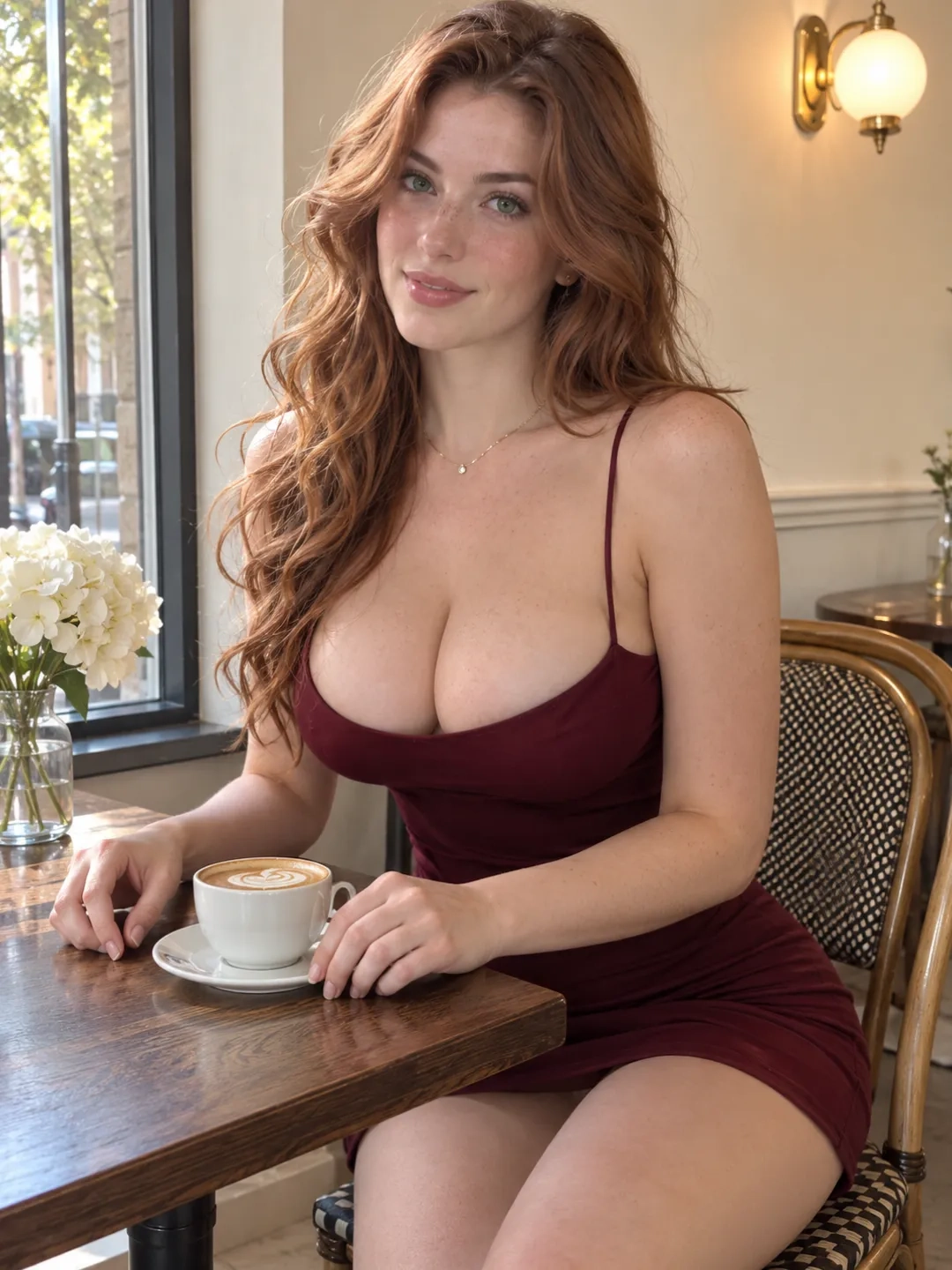
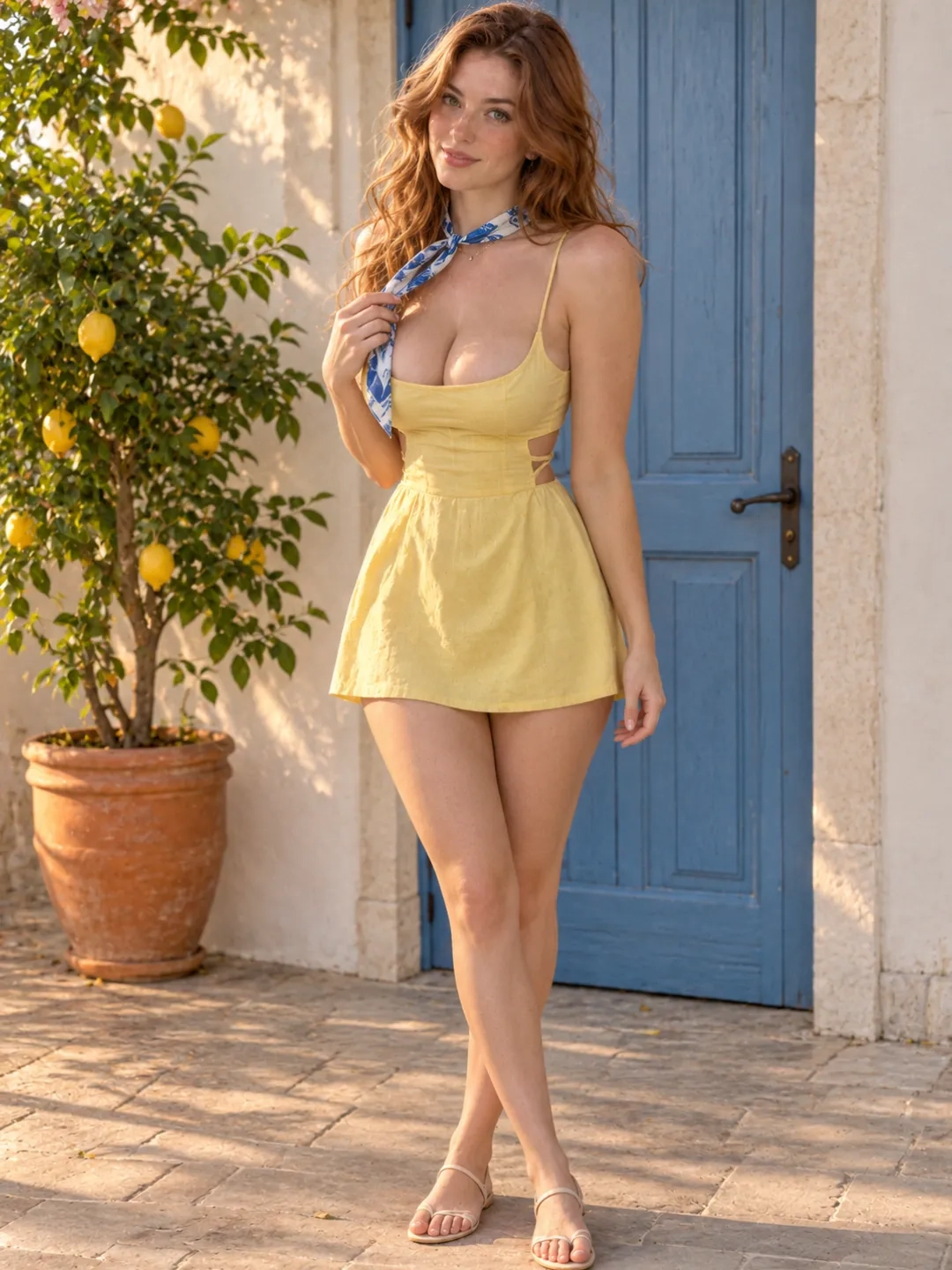
Write a compact identity description containing only the visible details that need to persist. Avoid filling the first prompt with vague words such as “perfect,” “beautiful,” or “seductive” without defining the character’s actual appearance.
Example identity block:
27-year-old woman, heart-shaped face, dark brown eyes, long wavy auburn hair, athletic proportions, burgundy lace styling
Use a simple pose and readable framing for the first generation. A medium or three-quarter composition usually provides more reusable information than an extreme close-up because it shows the face, hairstyle, upper body, clothing, and part of the pose.
Check the face, hands, visible limbs, clothing boundaries, and background before approving the result.
Reuse the approved character block without replacing its core details with new synonyms. Add the new pose, setting, lighting, or outfit after the fixed identity description.
Change one or two major variables per generation. For example, keep the character and camera framing stable while changing the setting and outfit. This produces a more controlled test than changing the pose, framing, background, style, and lighting simultaneously.
Choose an image whose pose already supports the intended movement. A clear standing or seated pose with visible body boundaries is generally easier to animate than a heavily cropped or obstructed composition.
Do not judge a video only by its opening frame. Watch for gradual changes in the face, hair, outfit, hands, body proportions, and background. If something becomes unstable, simplify the movement or camera instruction before replacing the character description.
27-year-old woman, heart-shaped face, dark brown eyes, long wavy auburn hair, athletic proportions, burgundy lace bodysuit, seated in a quiet private studio, three-quarter composition, soft diffused side lighting, realistic skin texture, photorealistic creator photography.
The same 27-year-old woman with a heart-shaped face, dark brown eyes, long wavy auburn hair, and athletic proportions. She wears black satin styling and stands beside a softly lit bedroom window, medium full-body composition, relaxed posture, warm evening lighting, realistic skin texture and cinematic photography.
Animate this character in a short vertical creator clip. She slowly shifts her weight, turns one shoulder toward the camera, and settles into a new pose. Keep the camera mostly fixed. Preserve the face, hairstyle, outfit, body proportions, lighting, and background.
These prompts are starting points rather than guarantees. Match the pose, movement, and camera instruction to the information already visible in the source image.
A local virtual influencer generator may require model downloads, compatible hardware, storage, workflow configuration, and troubleshooting. AINSFW provides a browser-based route for creating NSFW character images and turning approved images into videos without building a local ComfyUI workflow.
Creators who prefer selectable inputs can begin with character and scene tags. Those who already know the desired appearance can write the complete prompt directly. Existing images can then move into an image-to-video workflow instead of rebuilding the character from text.
An AI influencer becomes useful when the character supports more than one isolated image. Establish the persona first, develop recognizable image sets, and then animate selected images for previews, reels, or private fan content.
If the next goal is planning content specifically for subscription platforms, continue with the platform-focused creator workflow rather than expanding this page into a monetization guide.
Not necessarily. A stable identity description and approved reference image can reduce unnecessary variation, but they do not guarantee perfect duplication. Review each important result before continuing the series.
Yes. Uploading an existing creator-owned or generated character image can provide the visible identity, outfit, framing, and lighting information needed for a new image or video workflow.
The workflow can turn an approved character image into a short video. Start with an image that clearly shows the body information required by the intended movement, then describe motion and camera behavior in the video prompt.
The browser-based workflow does not require you to configure ComfyUI or run a checkpoint on your own computer. Generation is handled through the online tool.
Available generation credits and account requirements may change. Check the current tool interface before generating. The phrase AI influencer generator free should not be used as a product promise unless a permanent free option has been confirmed.
Build a 18+ persona, approve the character’s identity, and turn the strongest images into recurring NSFW content.