
AI Twerk Video Generator: Turn a Photo into a Dance Video
Upload one clear character image, describe the movement, and create a short AI twerking video. Control the character’s direction, body movement, framing, and camera behavior with a simple prompt.
AI Twerk Video Examples
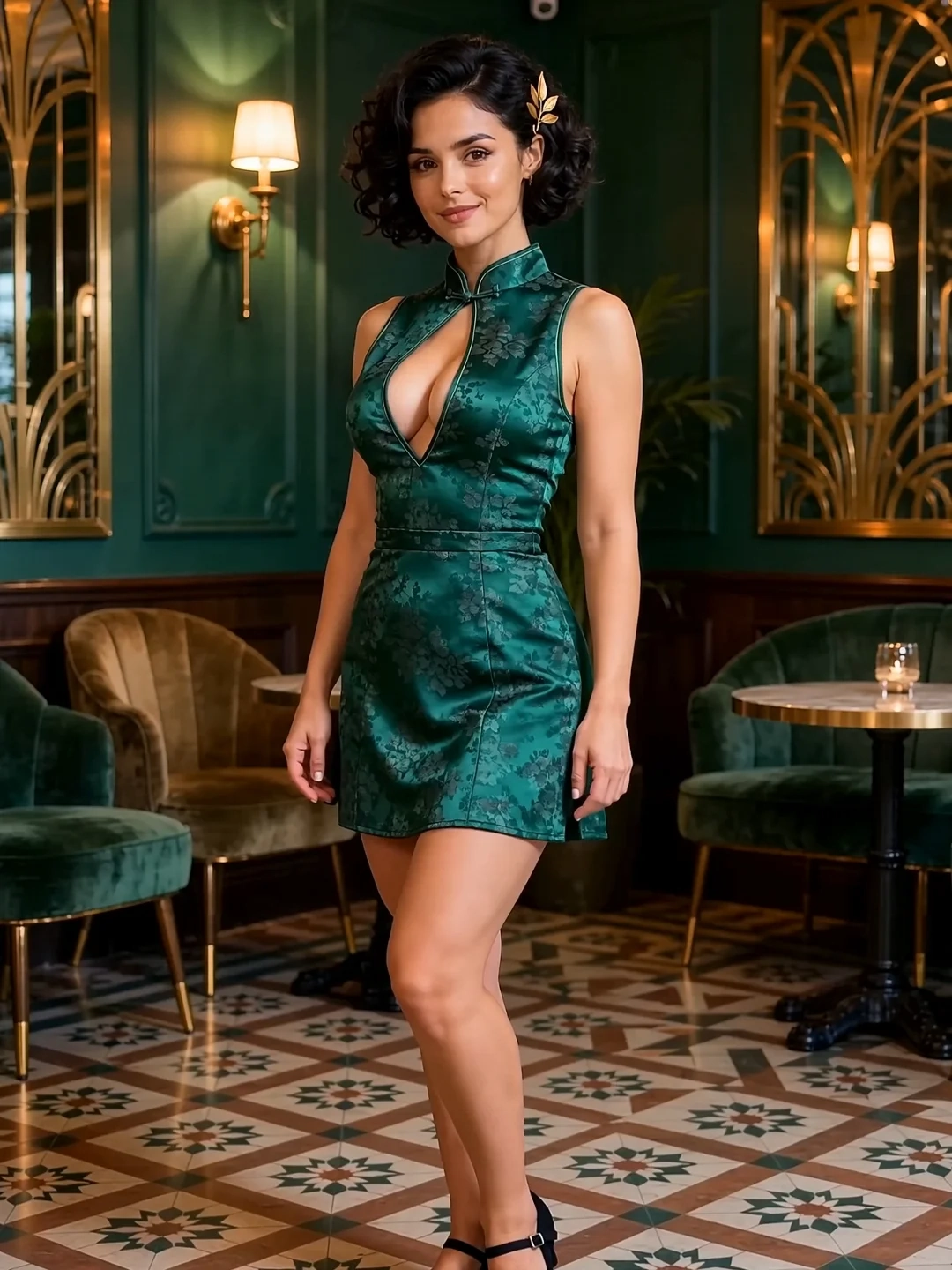
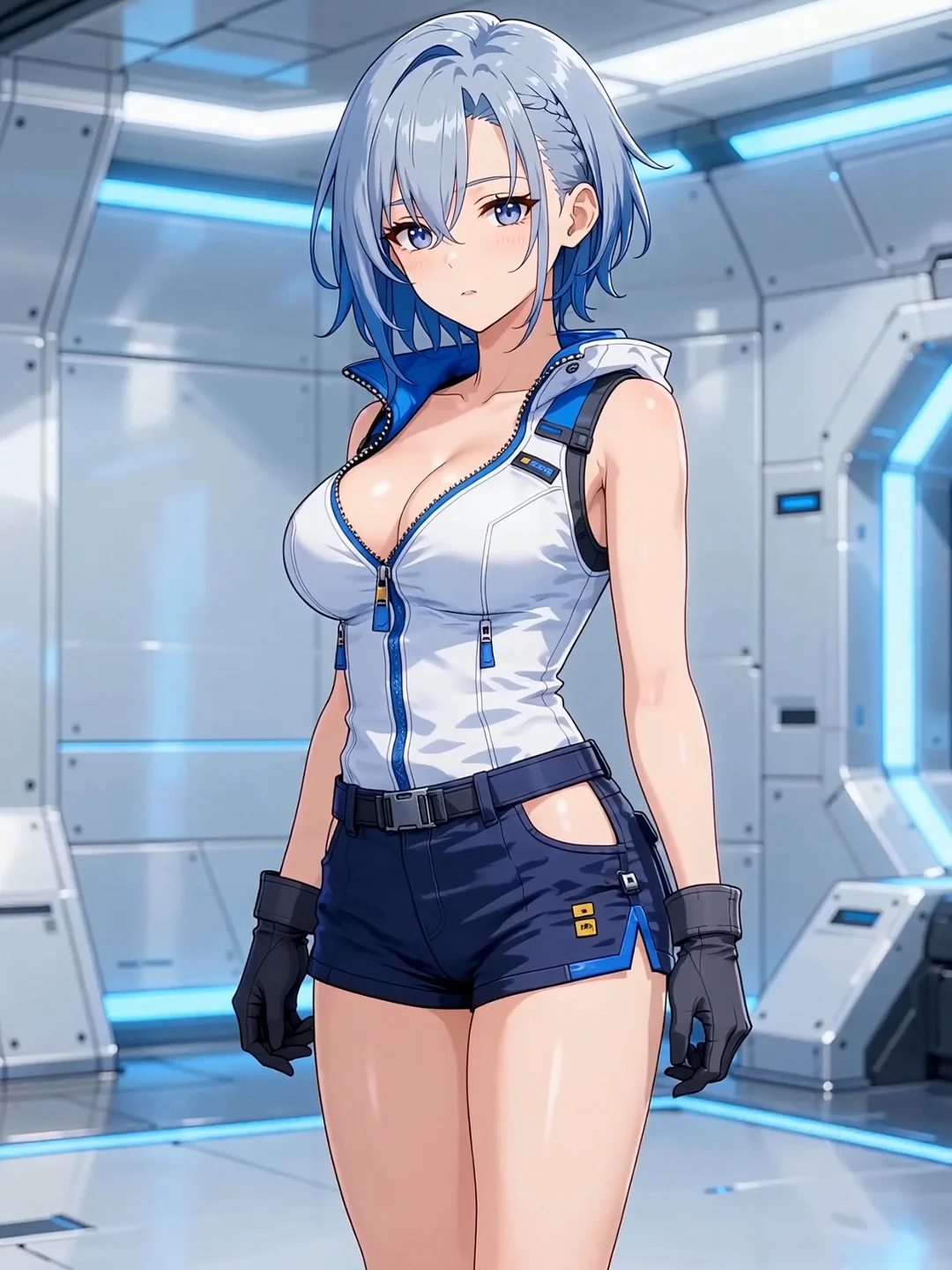
An AI twerk video generator works best when the starting image, movement direction, and framing support one another.
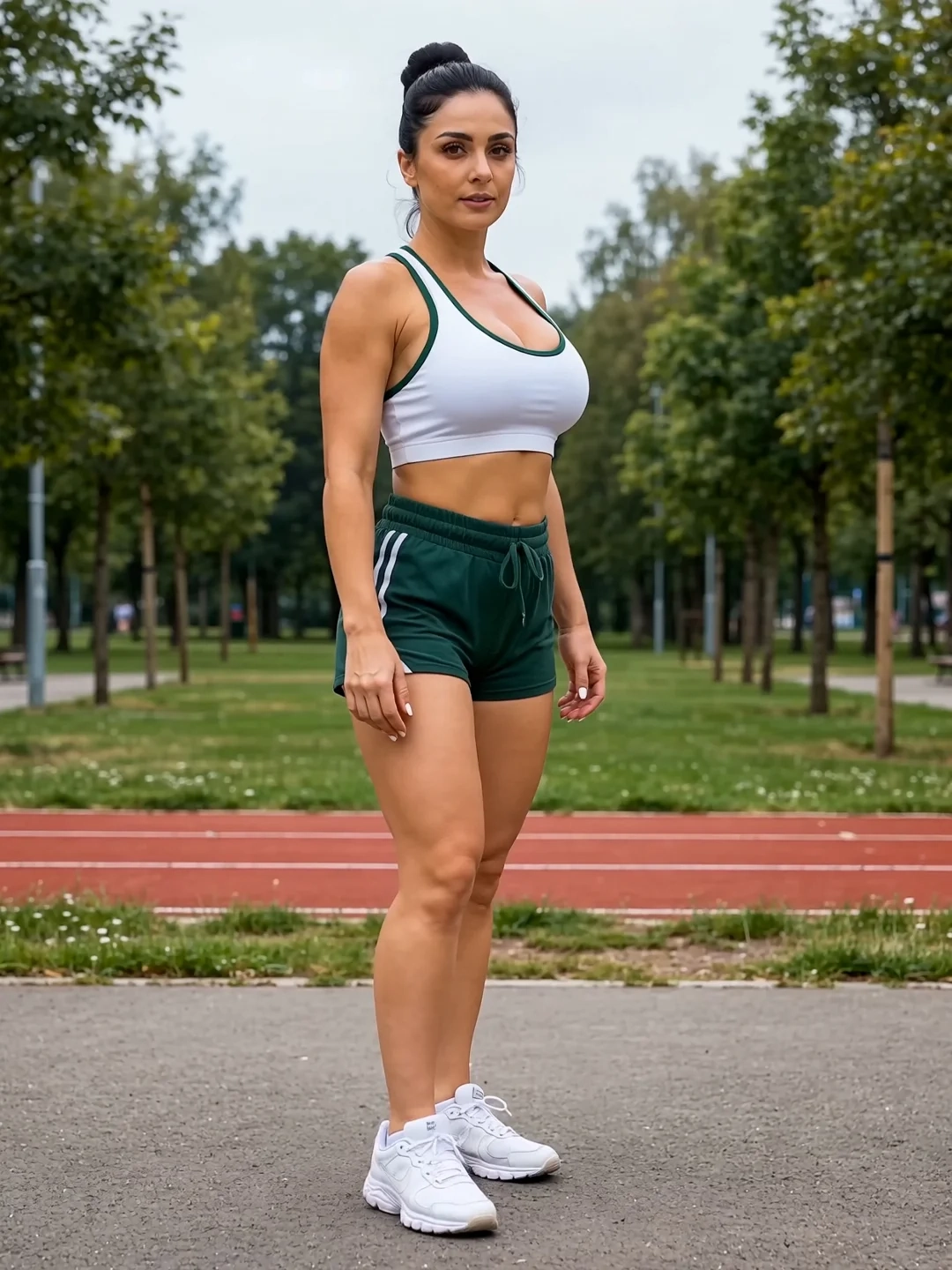
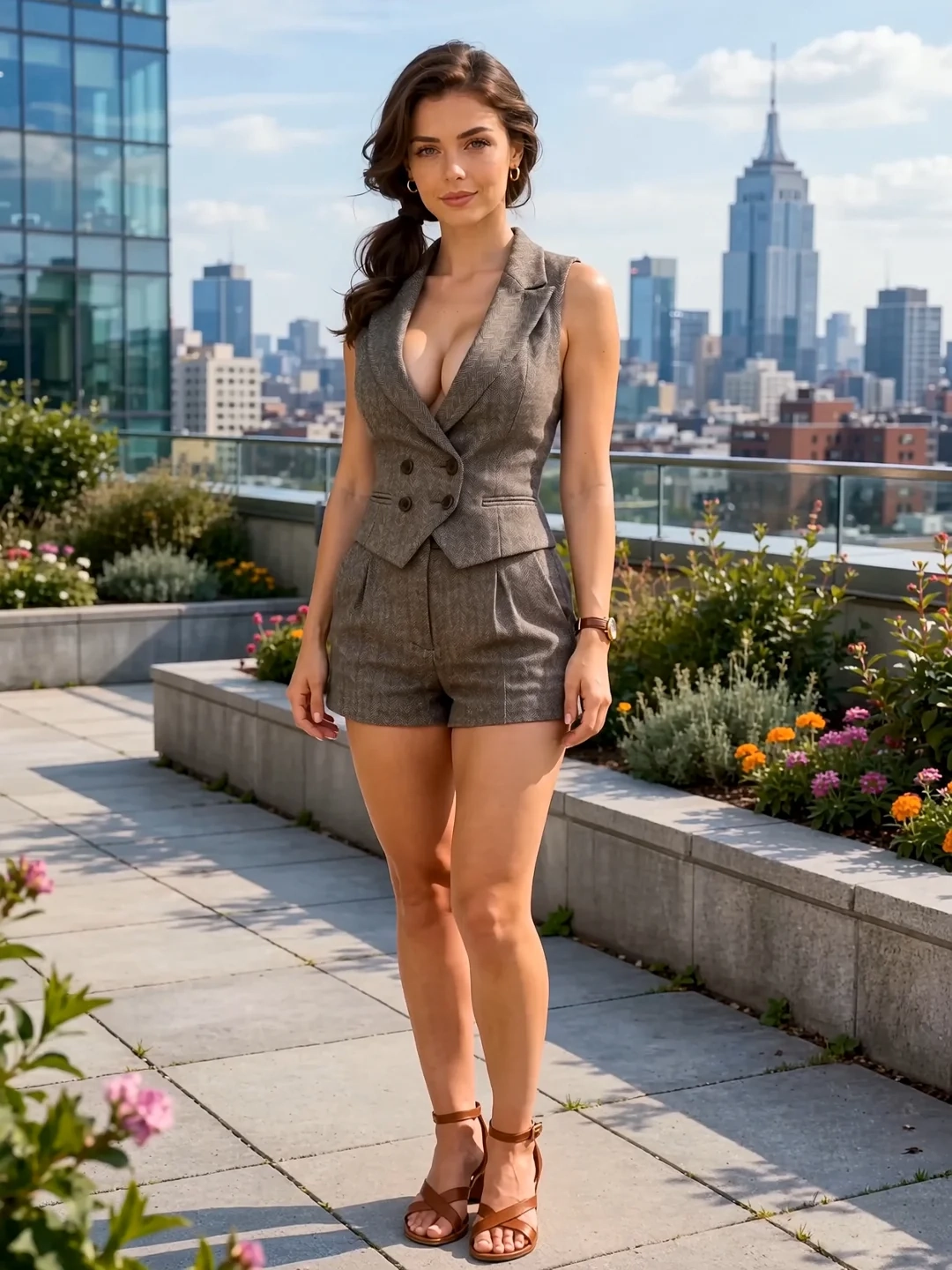
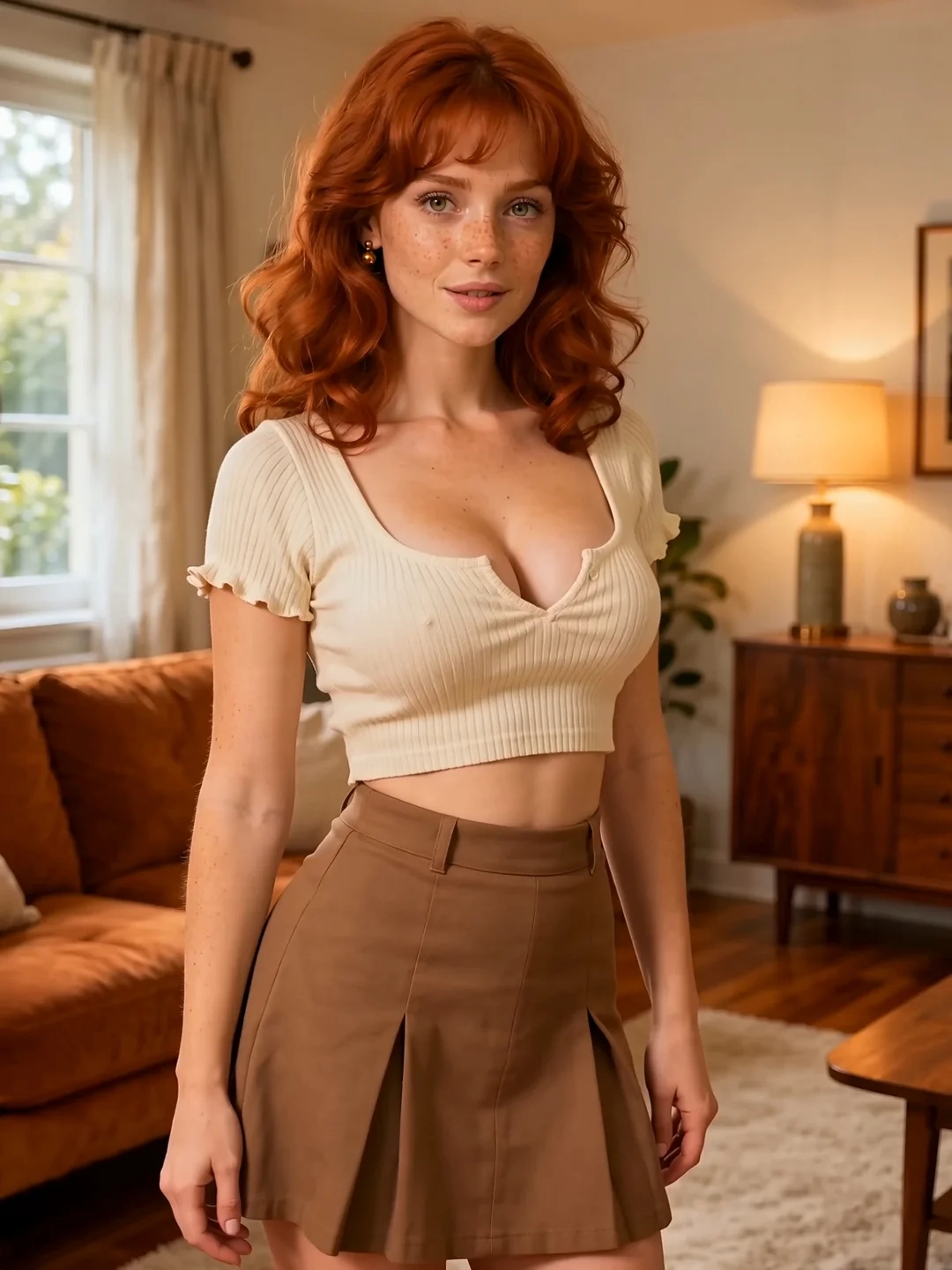
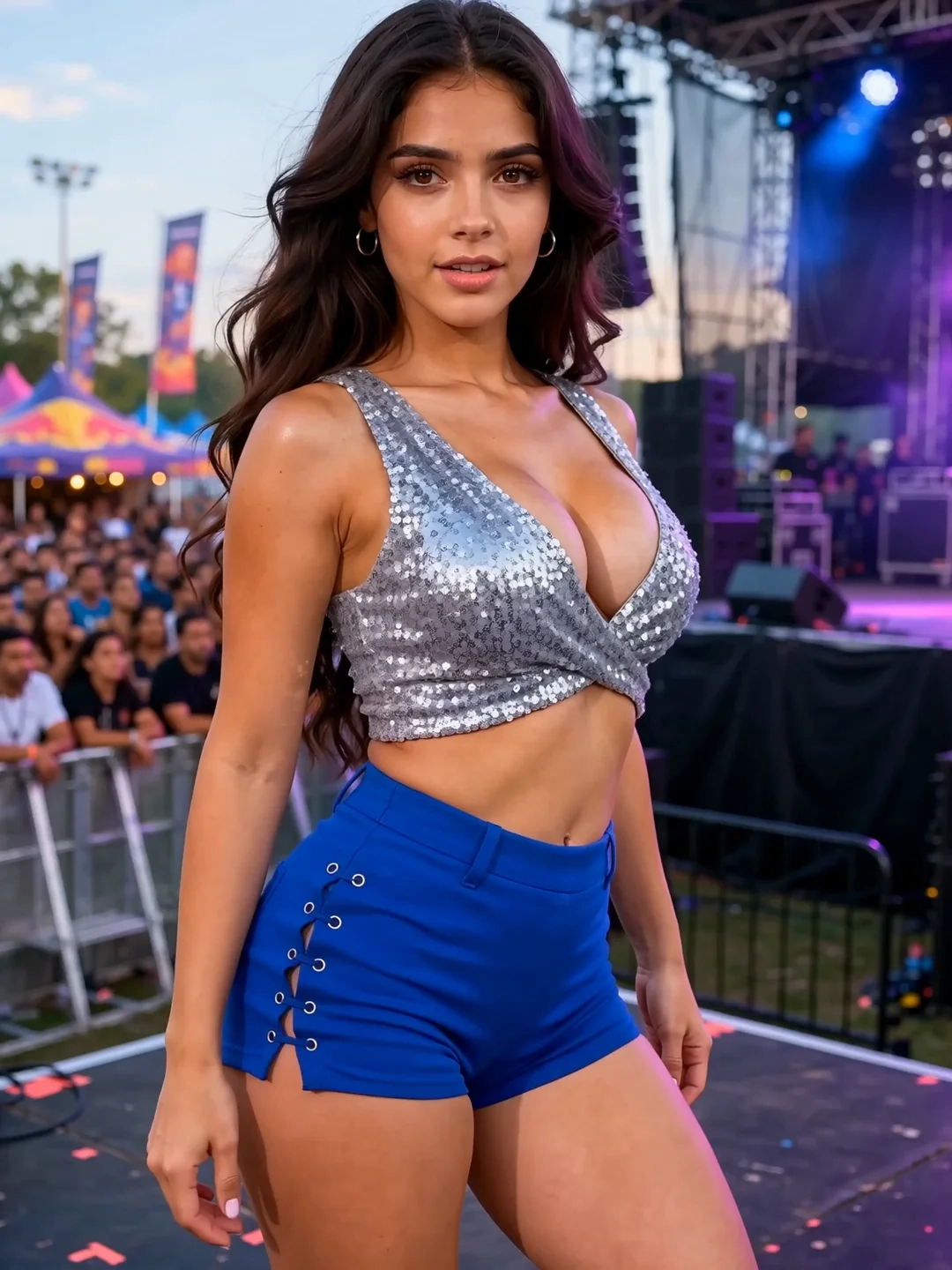
The examples below show how different character images can be animated into short AI twerking videos. Compare the starting image with the finished clip to see how the original pose and framing affect the movement.
How to Make a Photo Twerk with AI
1. Upload a Clear Character Image
Choose one image with a single, easy-to-identify subject. The torso, hips, and at least part of the legs should be visible so the generator has enough information to interpret the movement.
A face-only portrait may preserve facial details, but it does not provide the body information needed for a readable dance.
2. Describe One Main Movement
Tell the generator what the body should do, which direction the character faces, and how much the camera should move.
A useful instruction could be:
The character performs a short twerk-style dance with controlled rhythmic hip movement, facing three-quarters away from the camera. Medium full-body framing, mostly fixed camera.
Avoid combining twerking, walking, spinning, jumping, and rapid camera movement in the same short clip. One clear action gives the model a more manageable target.
3. Generate and Review the Full Clip
Watch the complete video before choosing the result. Check whether the face, outfit, body outline, hands, legs, and background remain readable while the movement develops.
If something changes unexpectedly, adjust one part of the input or prompt before generating again. For a broader image-to-video workflow, see the NSFW Image to Video Generator.
Choose a Photo and Motion Direction That Work Together
A strong image-to-twerk AI workflow begins with a picture that can physically support the requested motion.
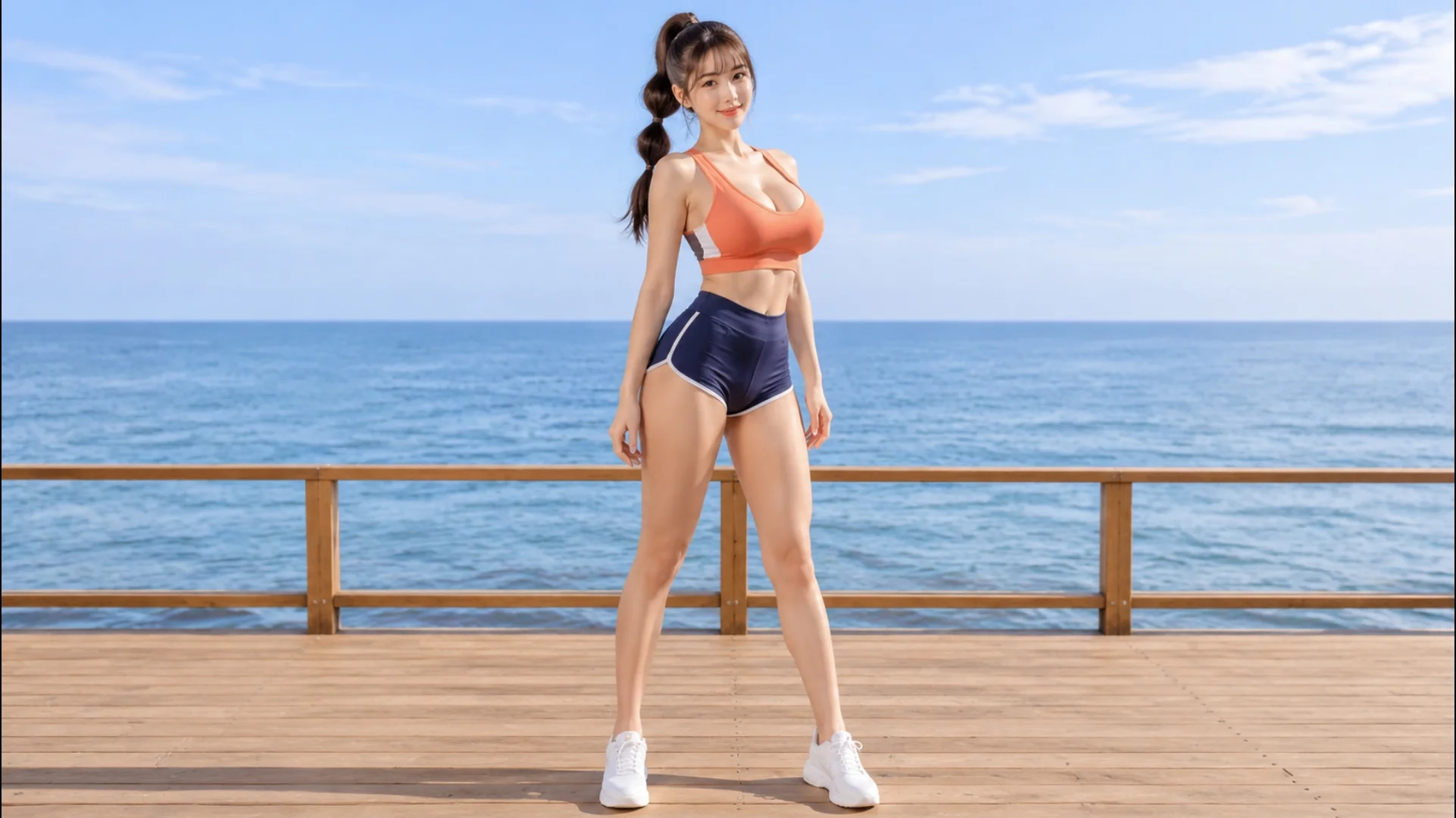
Choose an image with:
- One clearly visible character
- A stable standing or slightly bent pose
- Readable hips and legs
- Clear clothing and body edges
- Even lighting across the character
- Enough empty space around the body
- A background without heavy visual clutter
Avoid images where furniture, crossed limbs, hands, or foreground objects cover the main movement area. Flowing fabric and unclear clothing edges can also become unstable once the body begins to move.
The character’s direction matters as much as image quality:
- A front-facing image is better suited to front-facing or slightly angled movement.
- A three-quarter pose can support a side-oriented dance more naturally.
- A back-facing movement needs a source image that already provides enough information about the character from that direction.
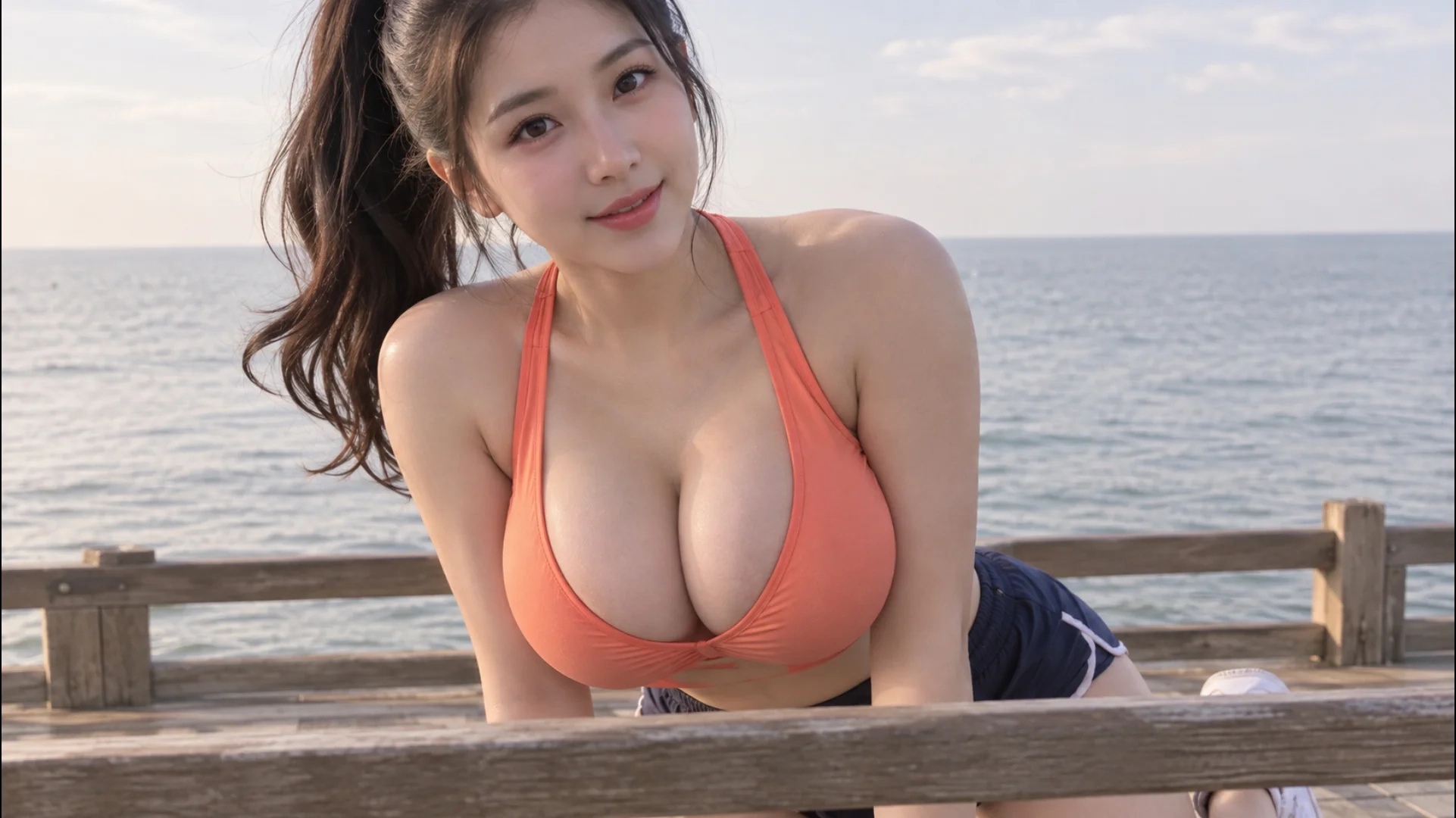
- A tightly cropped portrait should not be forced into a large full-body turn.
Do not expect the video generator to reconstruct an entirely new body view while also preserving every character detail. When the intended motion differs substantially from the source pose, create a more suitable starting image first.
For a deeper explanation of source-image selection and motion control, see NSFW Image to Video in 2026.
Write a Clear Twerk Motion Prompt
A useful prompt for an AI twerk image-to-video generator can be divided into five parts:
Character + Dance Motion + Framing + Camera + Keep Stable
Character
Identify the visible subject without rewriting every appearance detail already contained in the image.
Dance Motion
Describe one movement, its direction, and its intensity. Concrete body direction is more useful than vague terms such as “dance attractively.”
Framing
Use a medium full-body or full-body composition when the movement depends on the waist, hips, and legs remaining visible.
Camera
A fixed camera usually gives the body motion more visual attention. If camera movement is needed, request only one restrained movement.
Keep Stable
Name a few details that should remain recognizable, such as the face, hairstyle, outfit, body proportions, and background.
Photorealistic Studio Clip:
The 25-year-old character performs a short twerk-style dance with controlled rhythmic hip movement, facing three-quarters away from the camera in a medium full-body shot. The camera remains mostly fixed. Preserve her face, hairstyle, outfit, body proportions, and studio background.
Vertical creator clip:
Create a short vertical twerk-style dance clip from this character image. Use controlled rhythmic hip movement, medium full-body framing, a mostly fixed camera, and subtle studio lighting. Keep the face, outfit, and background recognizable.
Anime dance loop:
Animate the illustrated 18+ character into a short, repeatable twerk-style dance loop. Keep the full body inside the frame, use a fixed camera, and preserve the face design, hair, outfit colors, linework, and background.
These prompts are starting points, not guarantees. Adjust the movement direction and framing to match the uploaded image.
Review the Full Clip and Fix Visible Problems
A convincing first frame does not mean the entire AI twerking video is stable. Watch the clip at normal speed, then pause at the first moment where something begins to change.
| Visible problem | What to change first |
|---|---|
| The face changes during motion | Reduce head turning and use a clearer starting face |
| The movement looks stiff | Simplify the pose and remove competing camera instructions |
| The body becomes distorted | Reduce motion intensity and use a more stable source pose |
| The hips or legs leave the frame | Use wider framing and leave more space around the character |
| The outfit changes | Add one short outfit consistency instruction |
| The background flickers | Use a simpler background and keep the camera fixed |
| The movement is difficult to read | Describe one body direction more clearly |
Change only one meaningful variable per attempt. If the character looks correct but the movement is weak, edit the motion prompt. If the body is already cropped or heavily obstructed in the source image, replace the image instead.
This approach makes it easier to understand whether the problem comes from the source image, the requested motion, the framing, or the camera instruction.
No Starting Image Yet?
You do not need to begin with an existing photo. Create an image that already supports the intended dance direction, approve the character and framing, and then animate it.
Create a photorealistic fictional character with the Real Girl Generator.
Create an illustrated 18+ character with the Anime Girl Generator.
Choose character, clothing, pose, and scene options without writing a long image prompt with the Image Generator from Tags.
When creating the starting image, keep the waist and legs visible and leave space around the character. A suitable source image gives the later video workflow more useful visual information.
Create Your AI Twerk Video
Start with one clear character image, match the movement direction to the starting pose, and keep the first prompt focused. Generate the clip, watch it from beginning to end, and change only the part that needs correction.