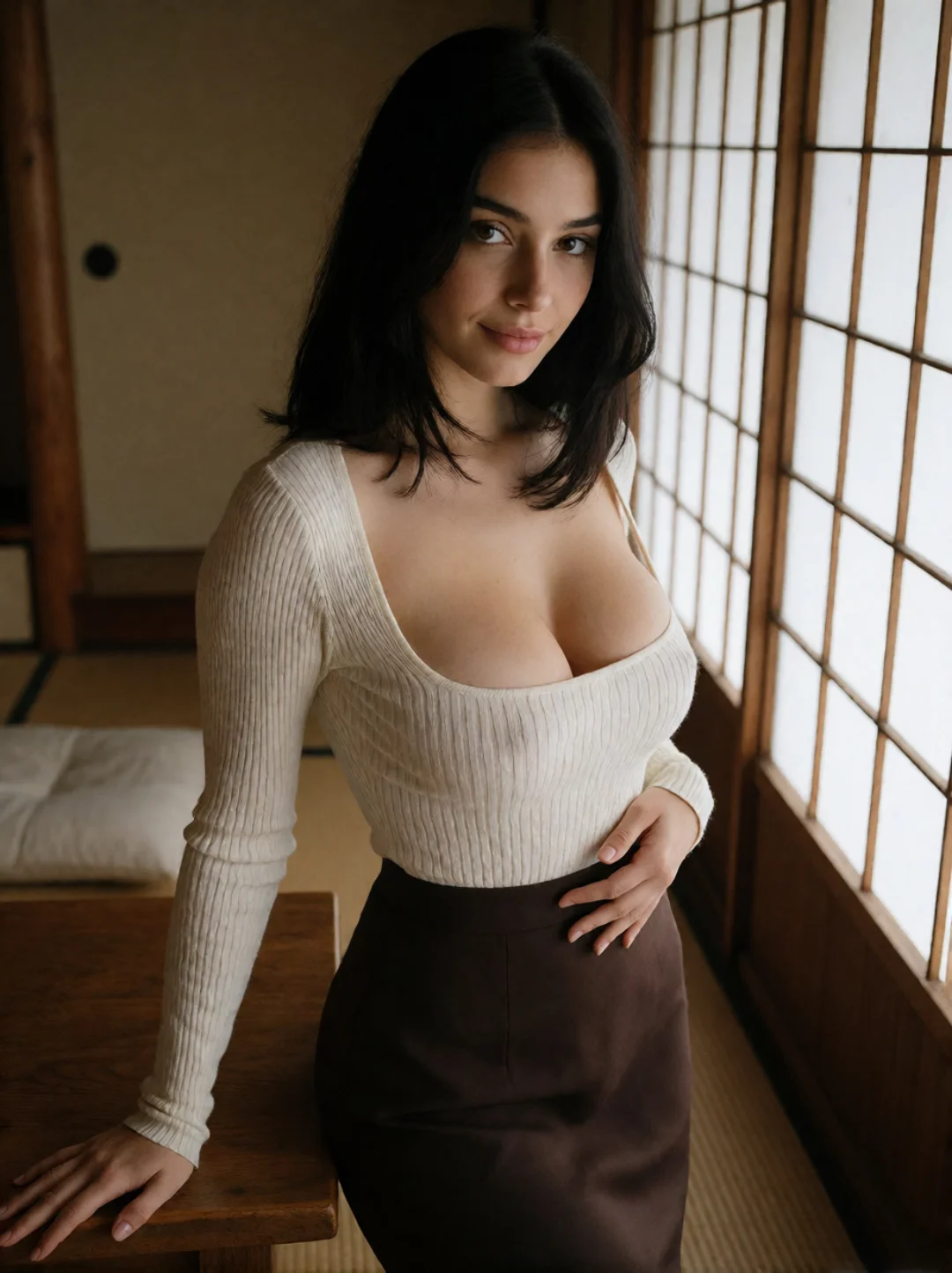
Photorealistic Character
Create a natural-looking adult character with realistic skin detail, balanced lighting, and photographic framing.

Turn a written idea or an image you have permission to use into a custom adult AI scene. Describe the character, outfit, pose, camera angle, motion, and setting you want, or upload an existing image as your visual starting point.
Whether you are building a photorealistic character, an anime-inspired look, or a cleavage-focused glamour scene, the creative direction starts with you.
A busty AI character can fit many visual directions. Start with the body type you have in mind, then use the outfit, pose, framing, lighting, and setting to shape the final scene.
Create a natural-looking adult character with realistic skin detail, balanced lighting, and photographic framing.
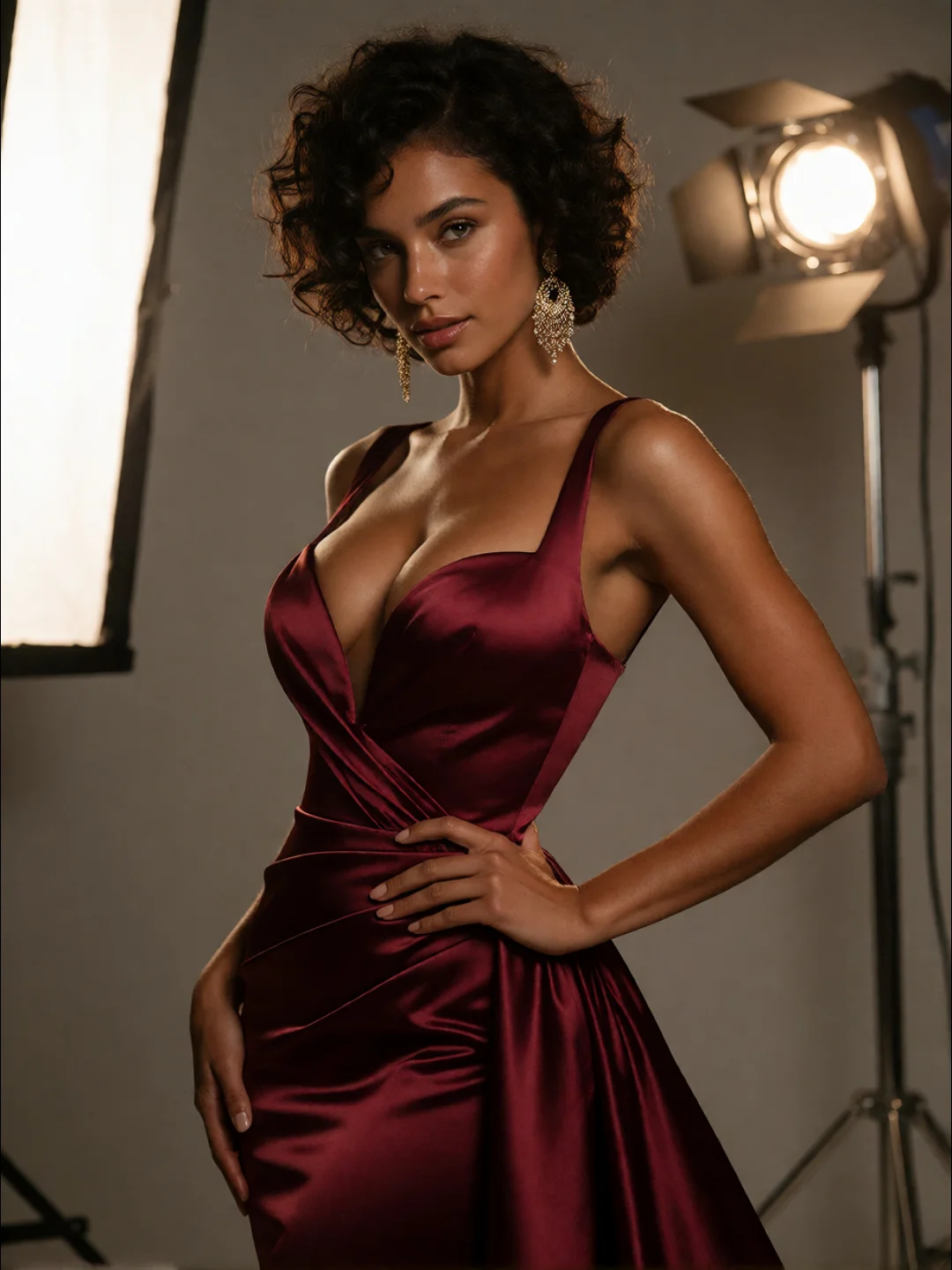
Combine polished styling, expressive posing, and controlled lighting for a more dramatic, camera-ready result.
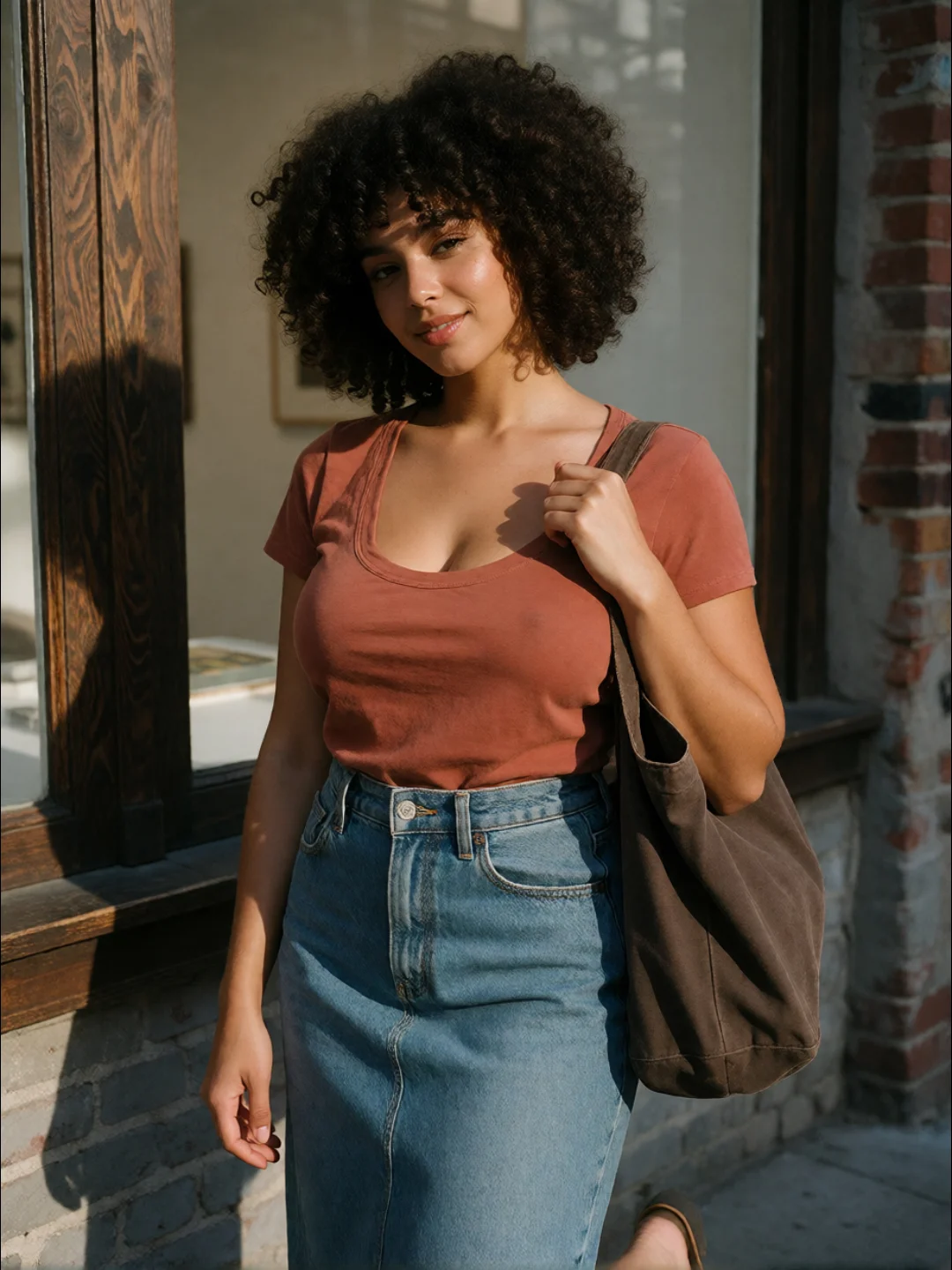
Use everyday clothing and relaxed poses to create a more natural character moment.
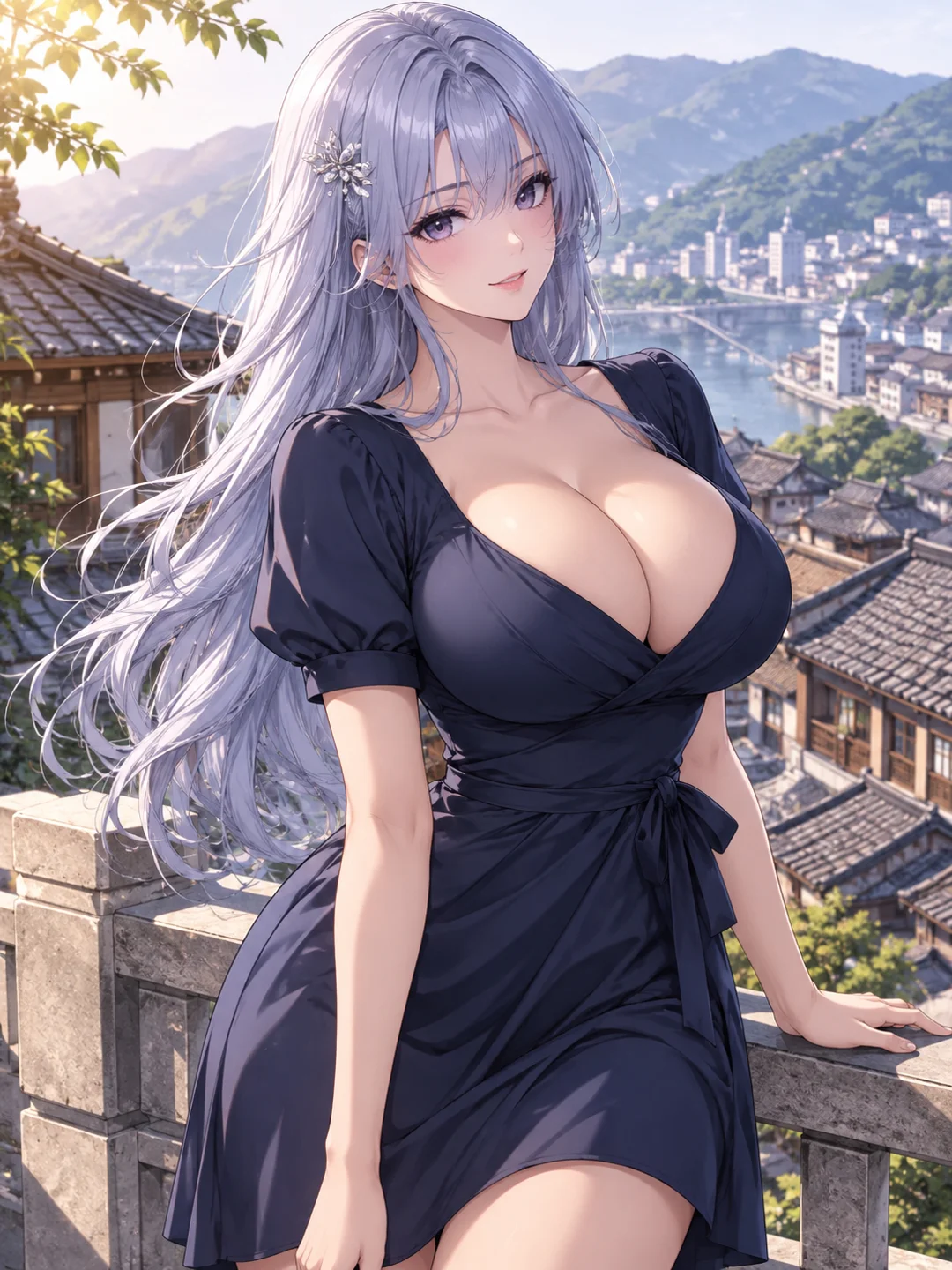
Translate the same character direction into an illustrated or anime-inspired visual style.
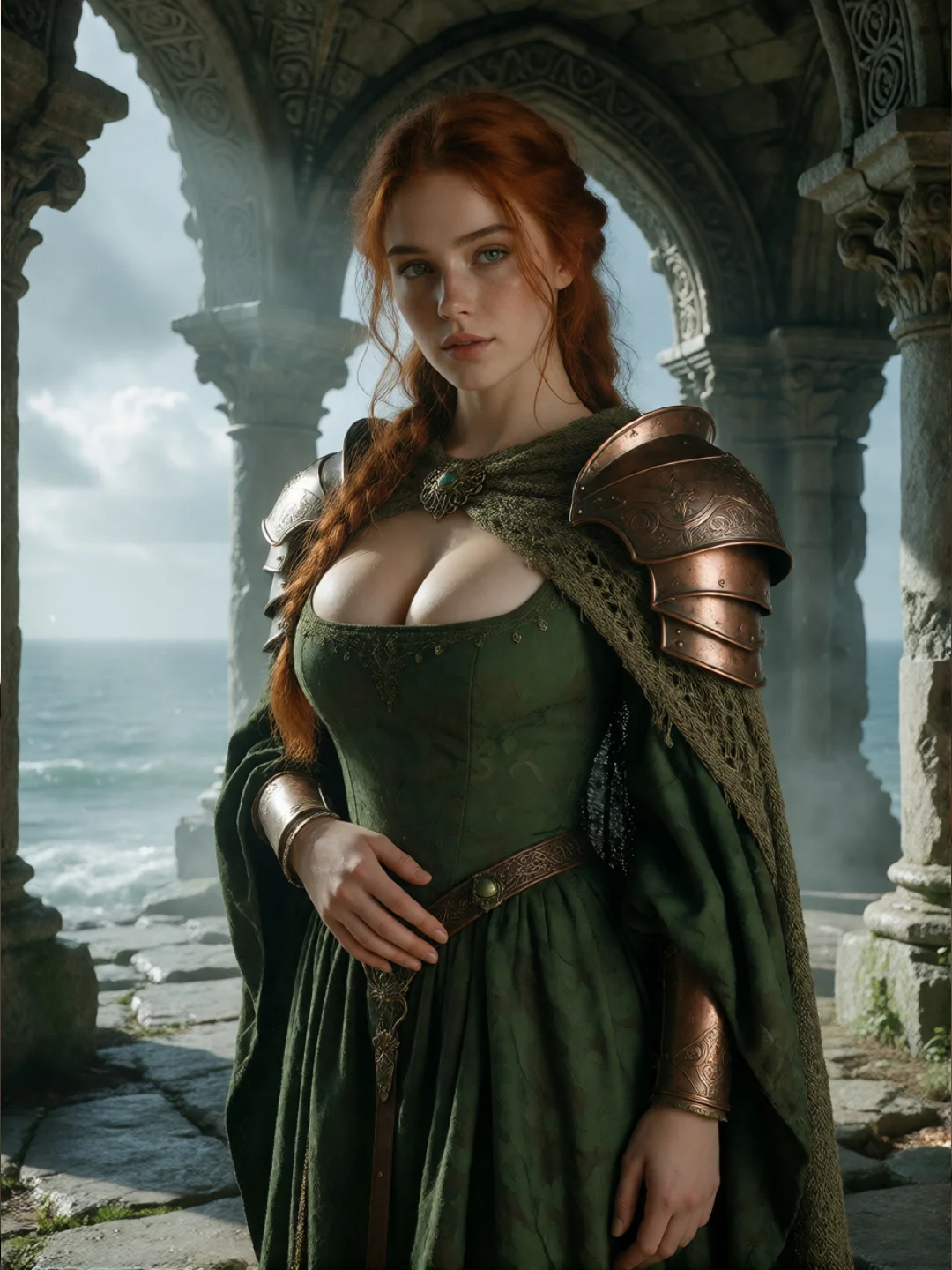
Add costumes, cinematic environments, and fantasy styling without losing the main character direction.
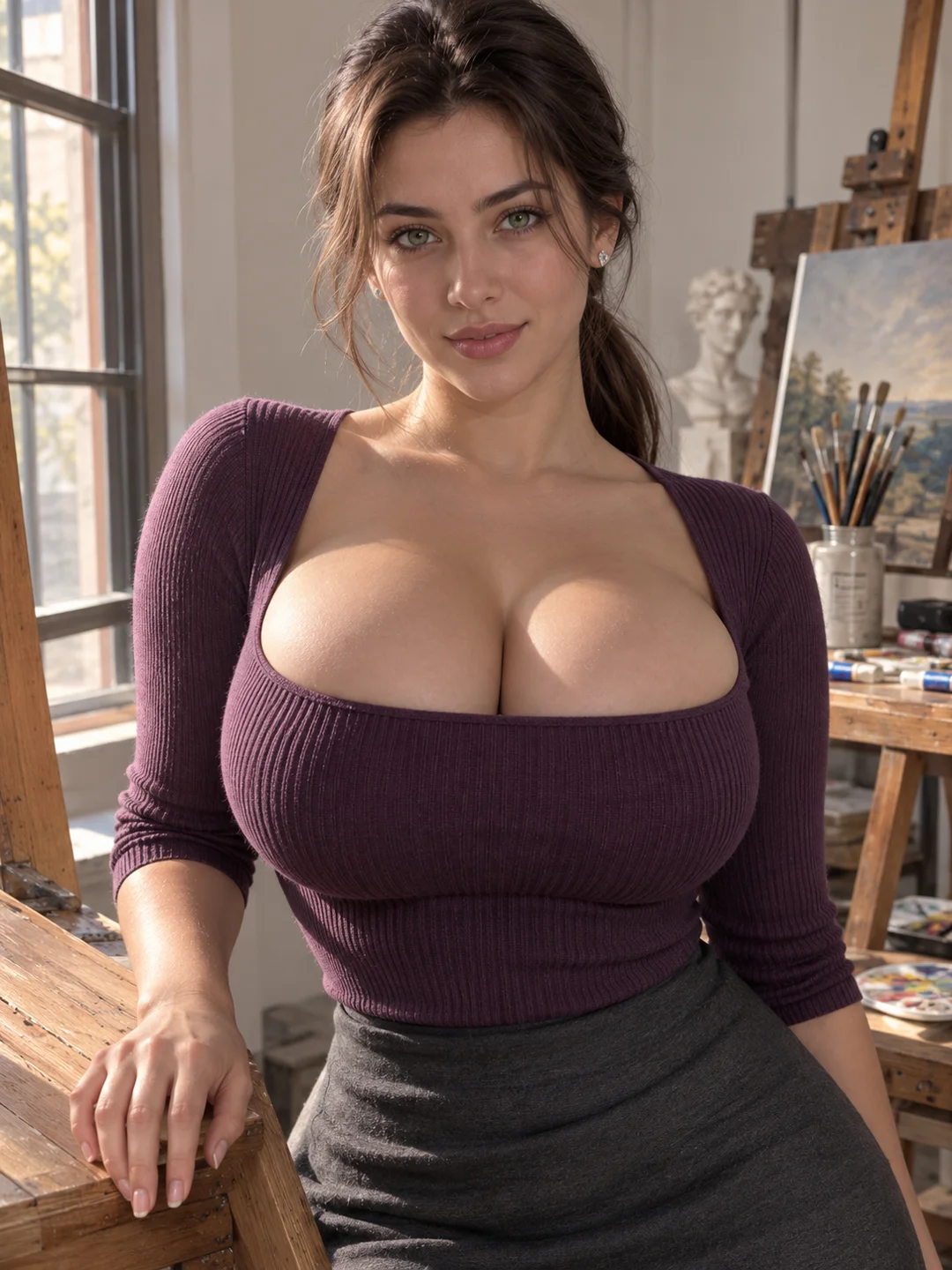
Use portrait or vertical framing, direct eye contact, and a clear visual setup for creator-focused content.
“Busty” describes one part of the character’s appearance. It does not decide the entire body type, outfit, pose, or visual style. A clearer description helps the generator understand both the character and the scene around them.
Describe an adult character and the body proportions you want without relying on one vague word to define the whole appearance.
Specify the clothing, neckline, fabric, color, and fit. These details strongly influence how the upper body appears in the final scene.
Use posture, body angle, hand placement, eye direction, and facial expression to establish the character’s attitude.
Choose a portrait, medium shot, three-quarter view, full-body composition, or another framing direction that fits the result you want.
Complete the scene with a realistic, anime-inspired, glamour, fantasy, or cinematic direction and a setting that supports it.
Adult character + busty body type + outfit and neckline + pose and expression + camera framing + motion + visual style and setting
An AI cleavage generator is not only about changing body proportions. How visible the cleavage appears also depends on the clothing, neckline, posture, body angle, and camera position used in the scene.
A fitted top, evening dress, corset-style costume, swimsuit, or low-neckline outfit will create a different result even when the character remains the same.
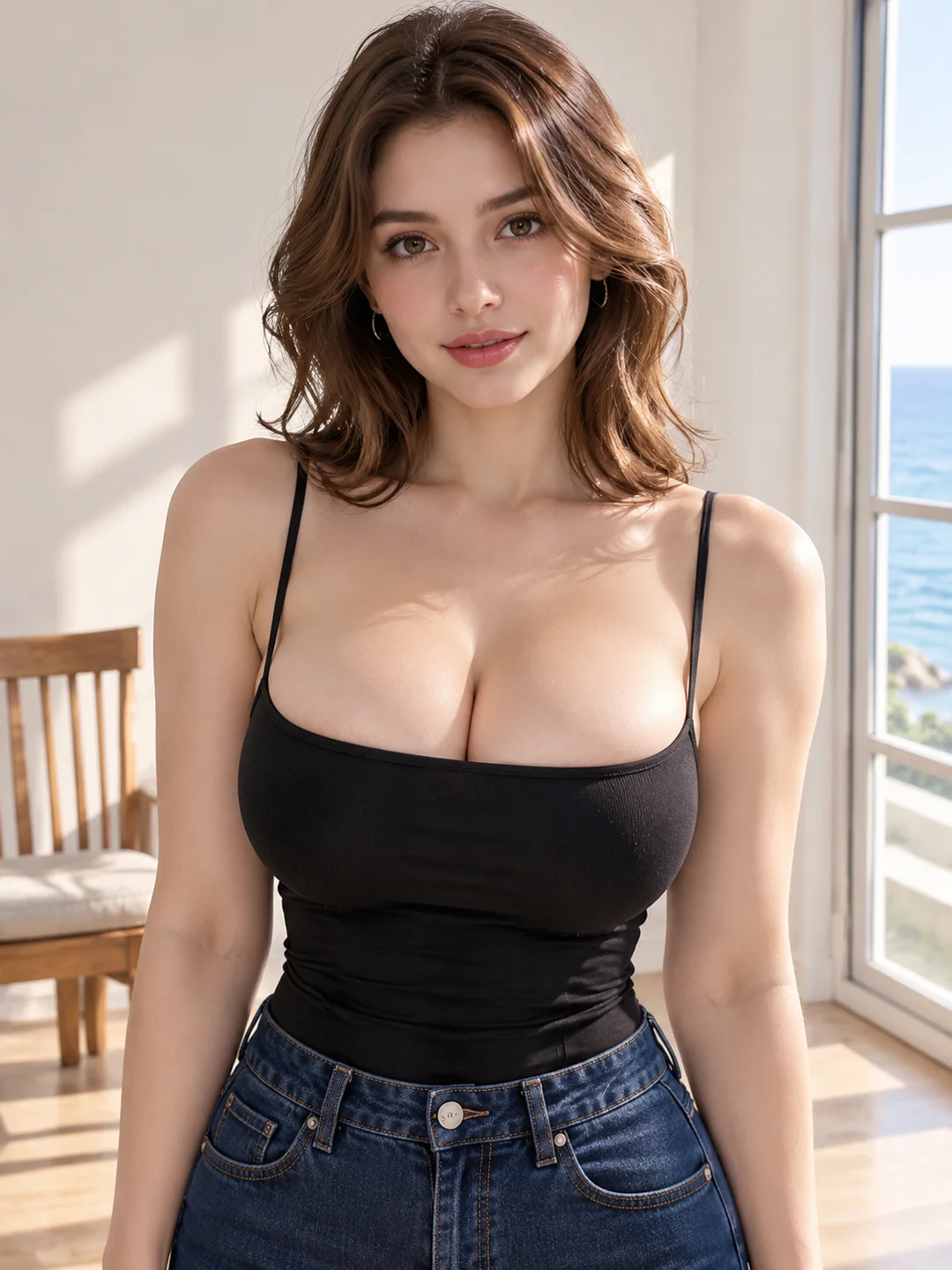
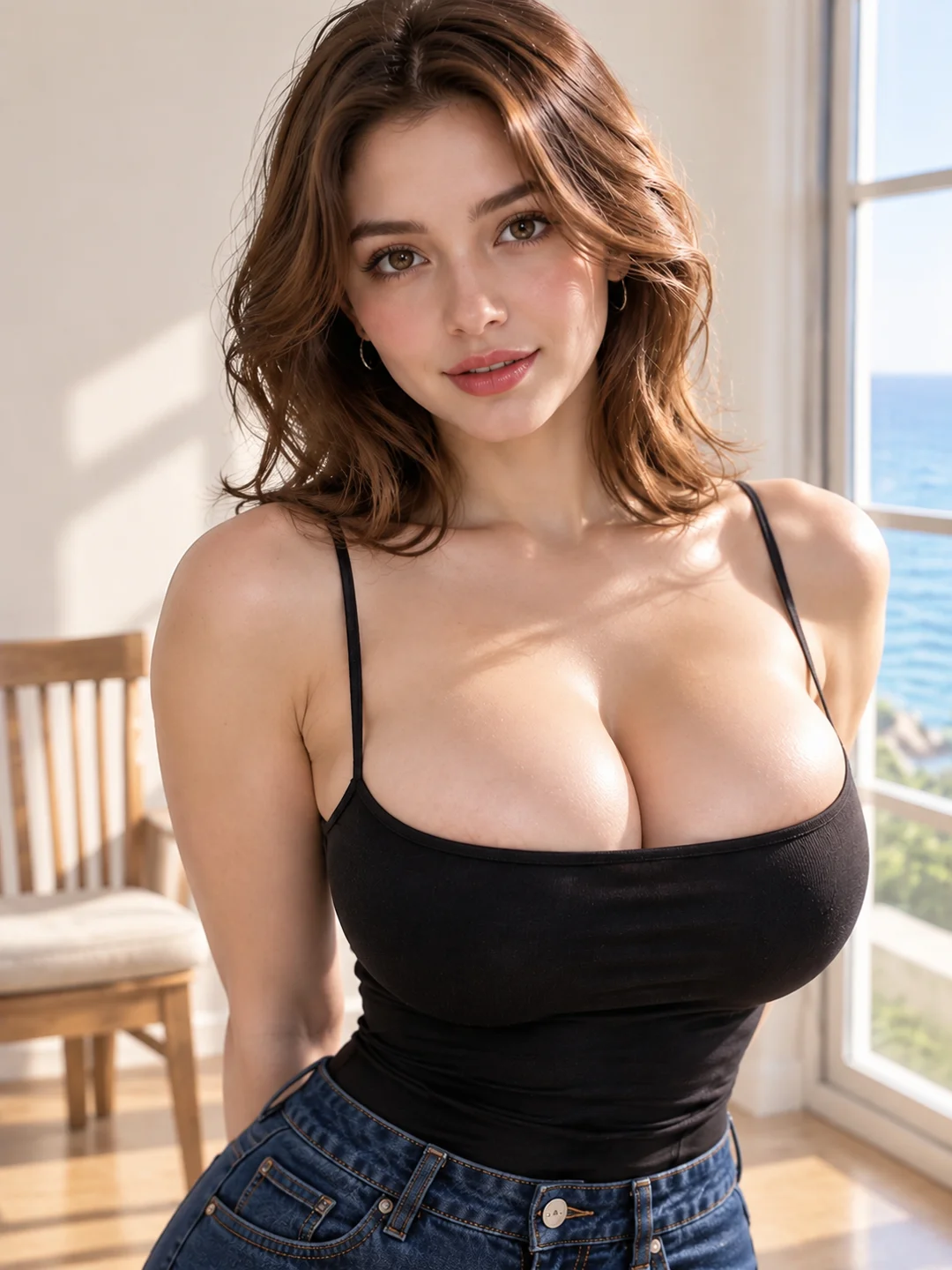
An upright portrait, angled shoulder pose, seated position, or forward-facing stance changes how the outfit and upper body are presented.
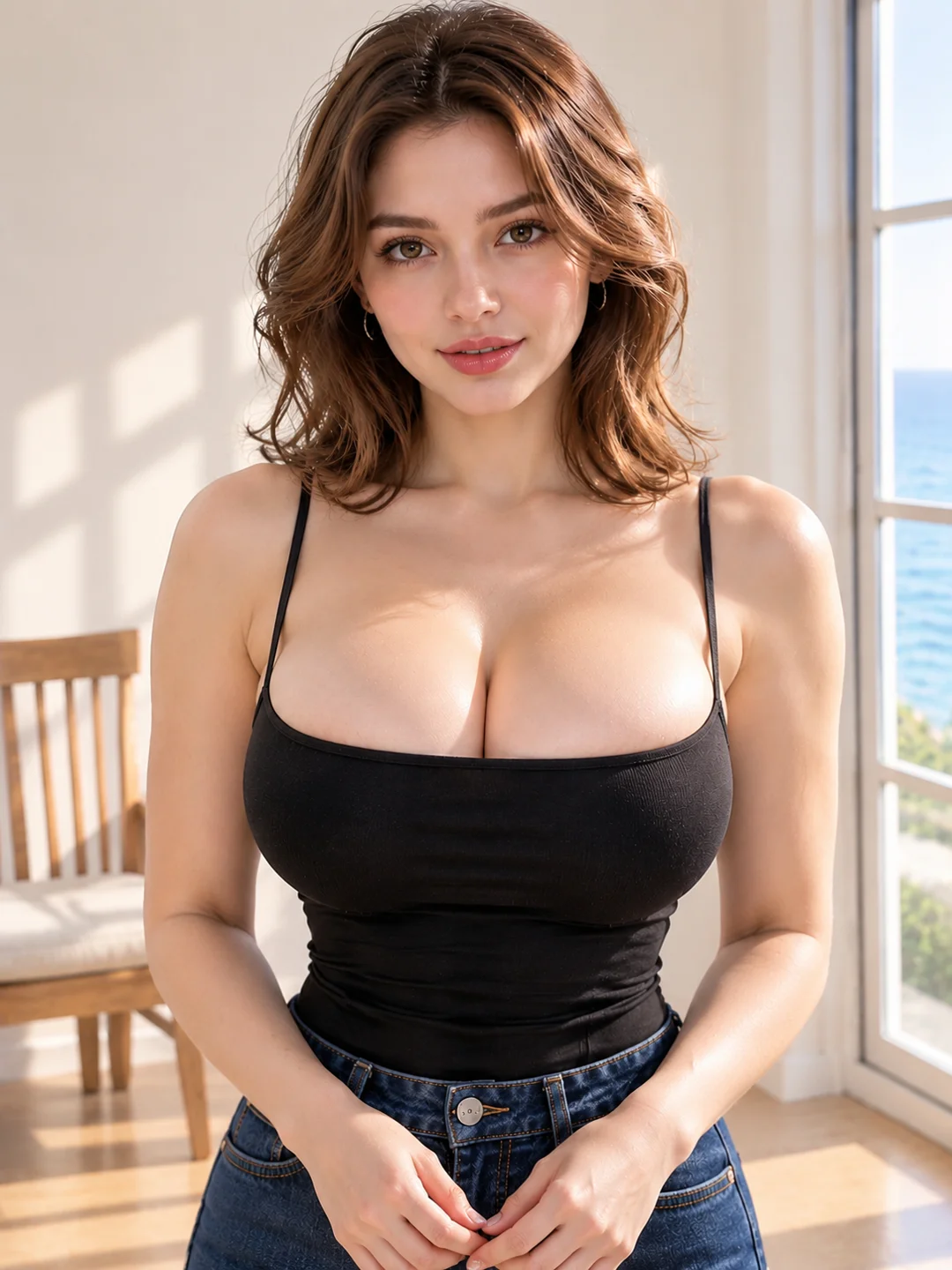
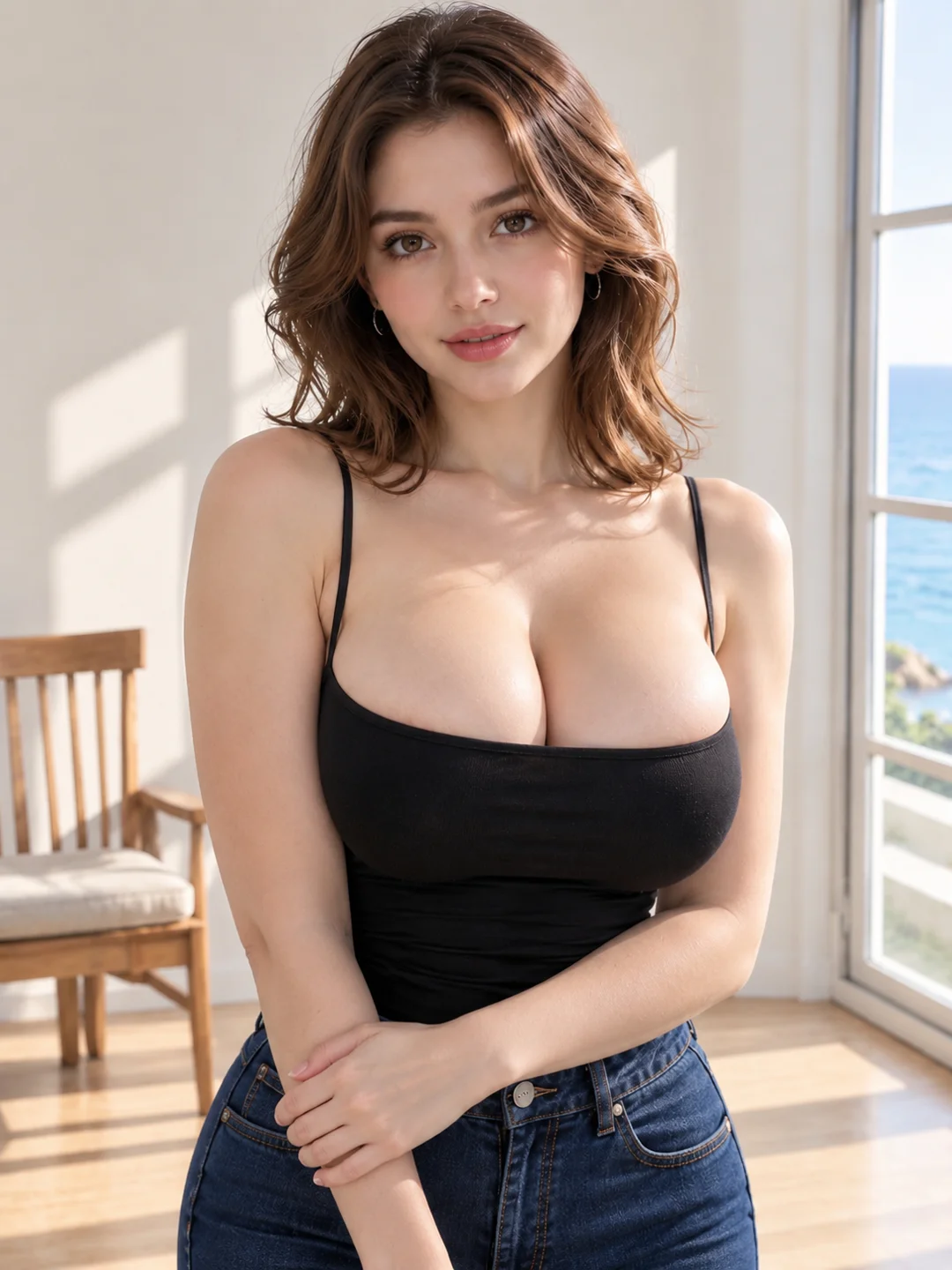
A close portrait emphasizes the face and neckline. A medium or three-quarter shot gives the model more space to balance the character, outfit, and pose.
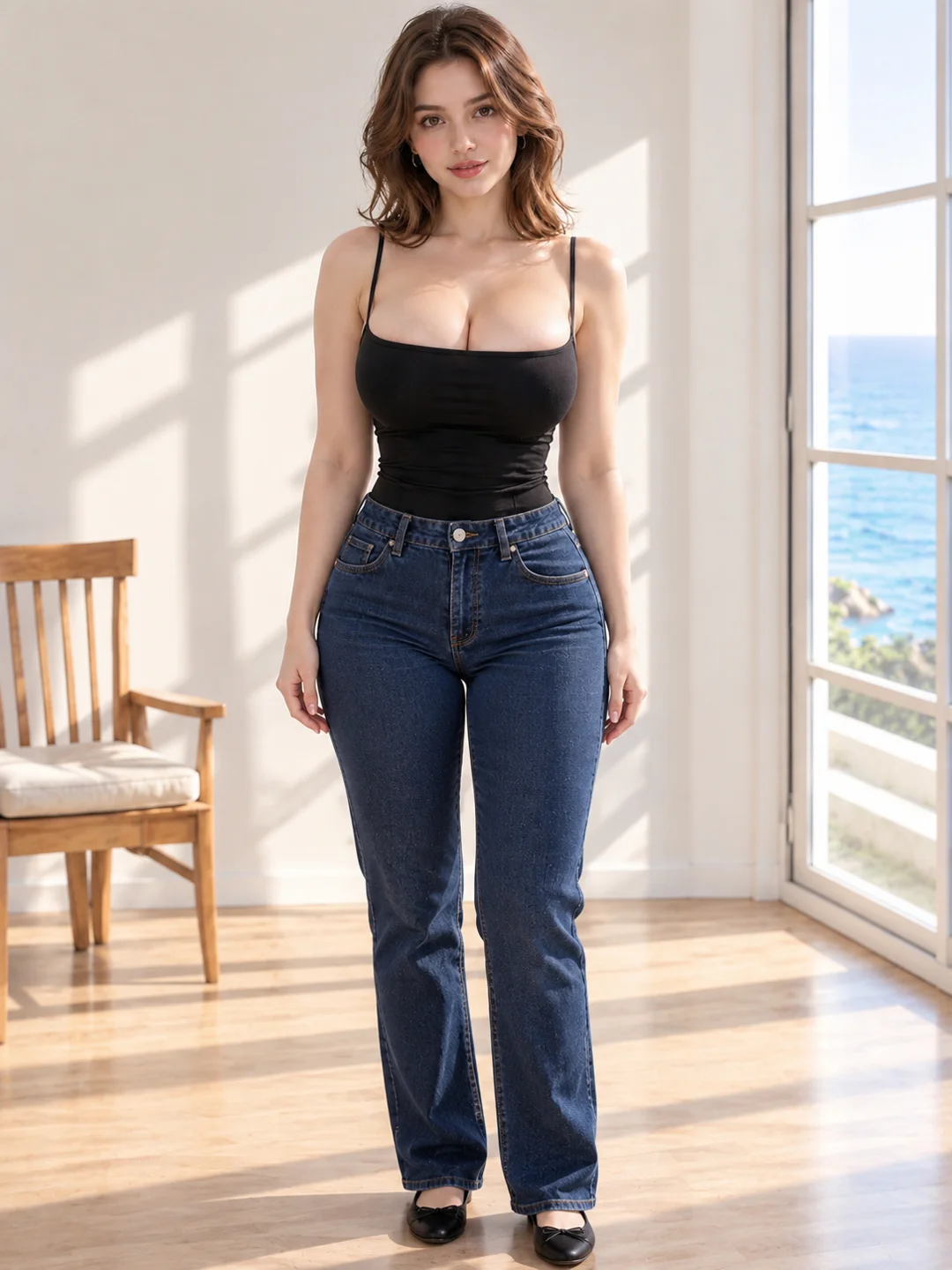
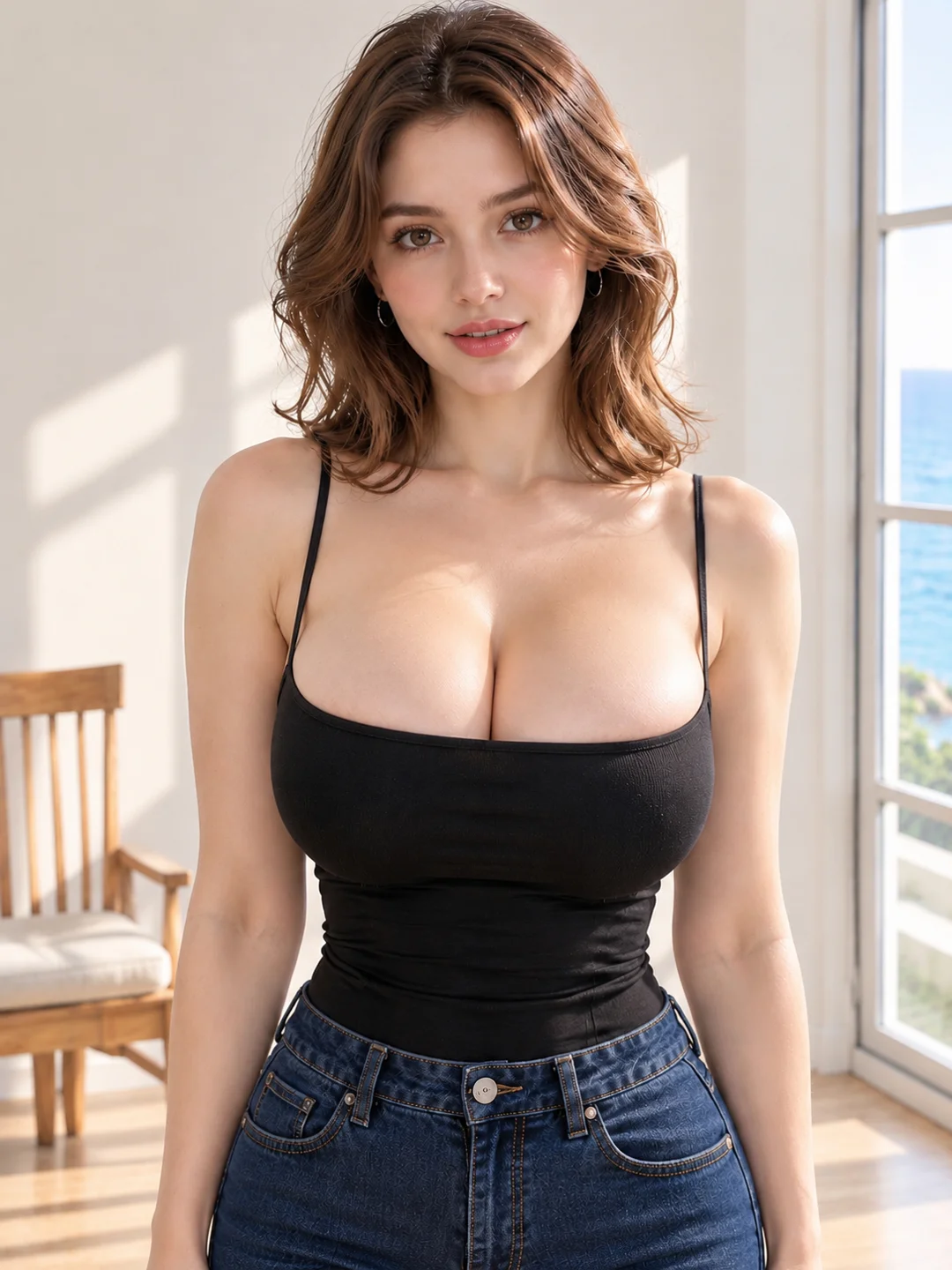
The clearest results usually come from describing these elements together instead of repeating only “more cleavage” or “busty.”
Use these examples as a starting point, then replace the outfit, setting, pose, or style with your own direction.
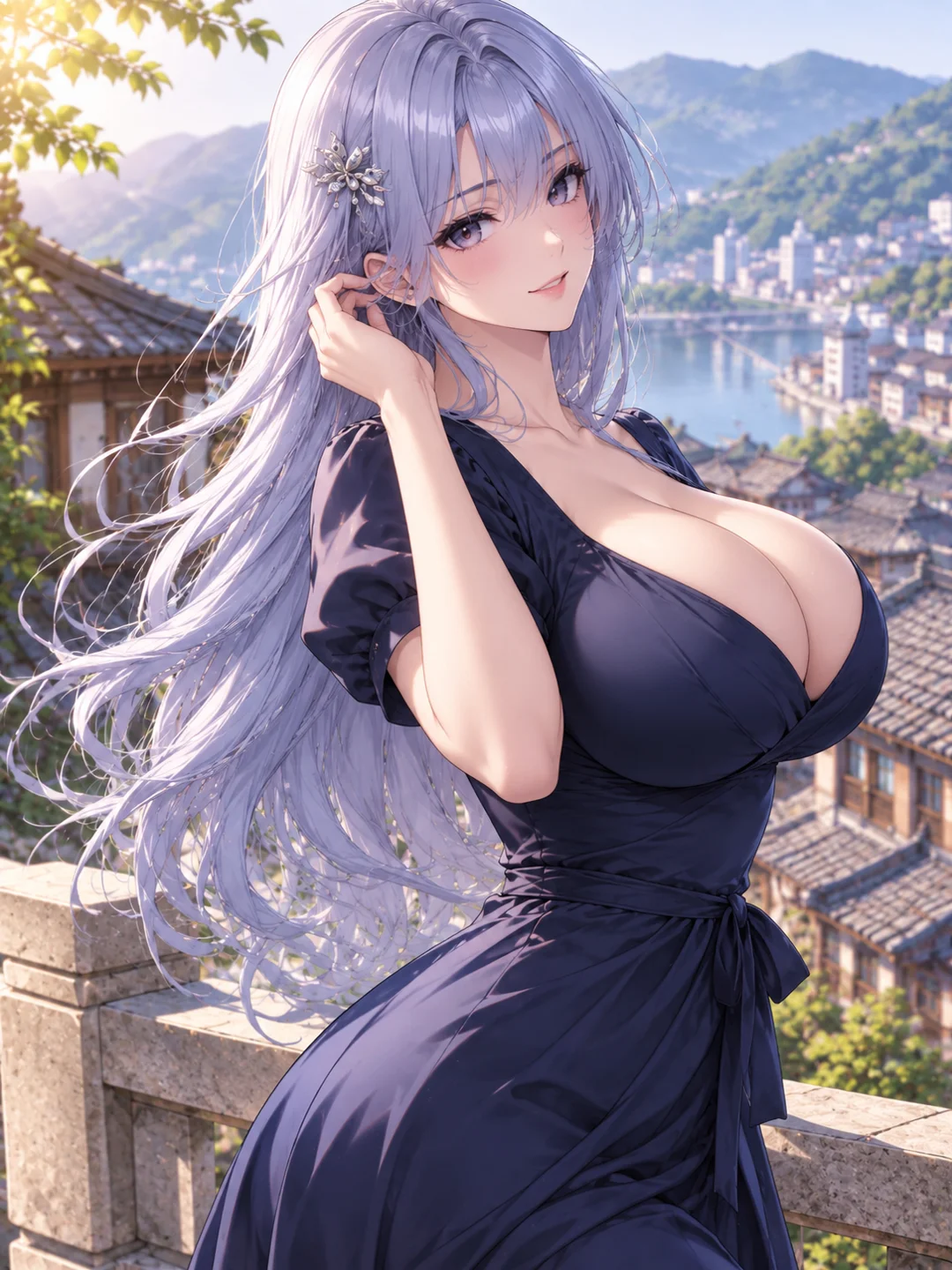
A strong character design is only the beginning. Use clear motion and camera directions to decide how the next moment should feel. Simple, focused movement usually creates a more natural result than asking for several large actions at once.
Add natural breathing, blinking, a gentle head turn, or a small change in expression to keep the character present without changing the entire pose.
Use soft hair movement, shifting fabric, or a light breeze to make the scene feel less static while preserving the character’s main appearance.
Ask the character to shift her weight, turn slightly toward the camera, adjust her posture, or transition into a new pose.
Use a slow push-in, a gentle pan, or a controlled camera orbit to emphasize the character and body shape without introducing an entirely different composition.
Keep the motion direction focused. When the face, body, outfit, pose, background, and camera all change at once, the result is more likely to lose the original character direction.
Describe a new adult character and scene, or upload an original or authorized image you want to bring into motion.
Add the body type, outfit, pose, expression, framing, motion, visual style, and setting that matter to your result.
Review the result, identify the detail that needs improvement, and adjust one or two parts of the description before generating again.
Once you have a character direction you like, use it as the starting point for another motion, setting, or creative format.
Keep the main character direction and describe a different expression, body movement, or camera action.
Use a finished character image as the starting point for an image-to-video scene with motion and camera direction.
Carry the same visual idea into another outfit, setting, mood, or composition without rewriting the entire concept.
Move into AINSFW.AI when you want to create more images, videos, or character-based content from the direction you have developed.
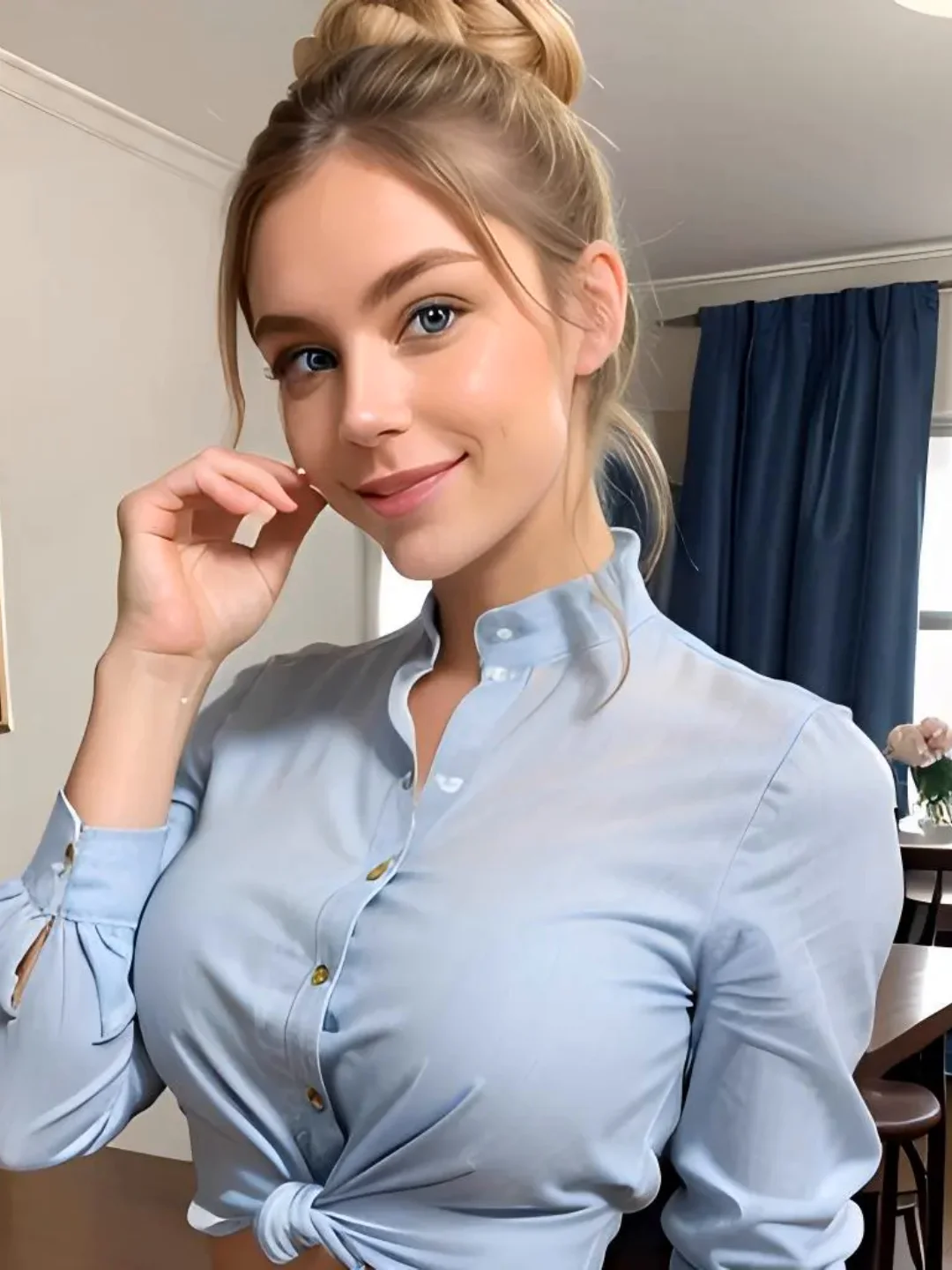 Image Generator from Tags
Choose busty and combine it with other available tags when you prefer a faster, tag-based image workflow.
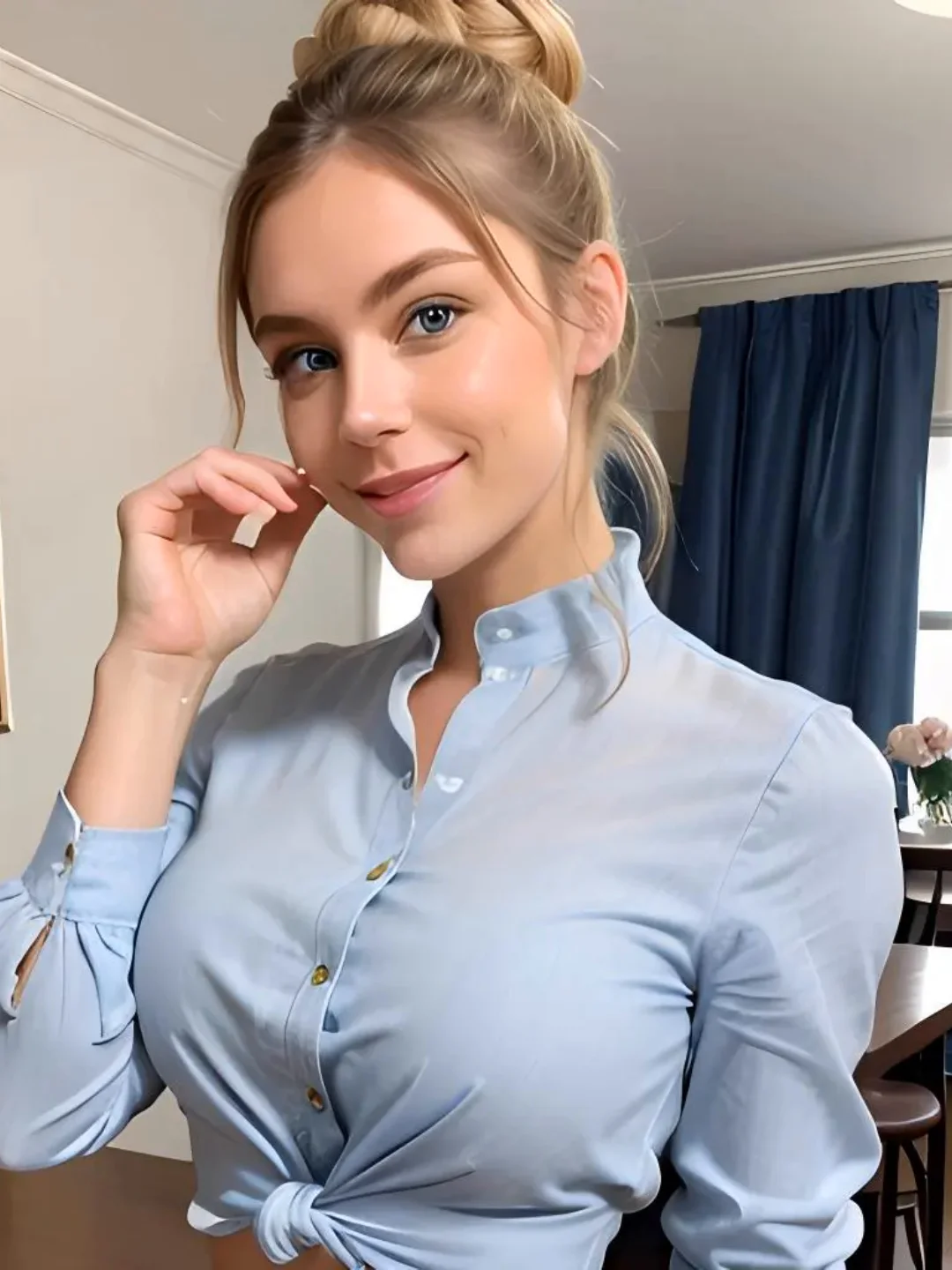 Real Girl Generator
Create photorealistic adult character images from a written description.
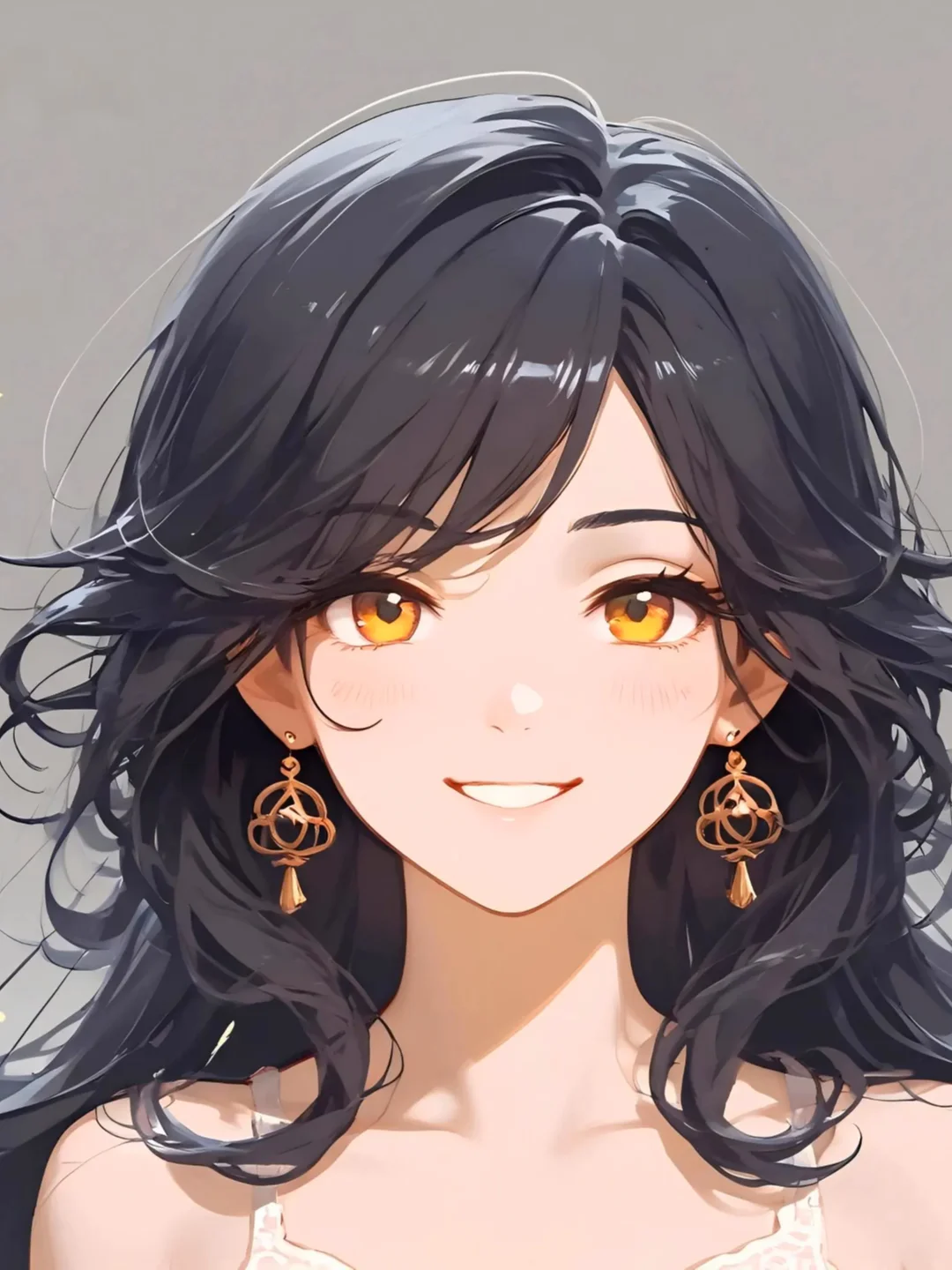 Anime Girl Generator
Build anime-inspired adult characters with illustrated styling.
A busty AI generator creates adult AI characters with a fuller or more prominent chest based on a written description or visual reference. The final appearance also depends on the outfit, pose, framing, style, and scene described in the input.
An AI cleavage generator is a tool or workflow used to create an adult character scene in which the outfit, neckline, body angle, pose, and camera framing determine how visible the cleavage appears.
No. “Busty” describes a body characteristic. “Cleavage” describes how the upper body is presented in the final image or video. A busty character does not automatically produce a cleavage-focused result without the right outfit, pose, and framing.
Yes. Describe the adult character, body type, outfit, pose, camera framing, motion, style, and setting you want. A complete scene description is usually more useful than repeating a single body-related word.
Yes. You can upload an original image or one you have permission to use as the visual starting point for an image-to-video scene.
Include the adult character, body type, outfit and neckline, pose, expression, camera framing, movement, lighting, visual style, and setting. Focus on the details that must be visible in the final result.
Describe the outfit, neckline, posture, body angle, and framing together. Avoid requesting several major changes at once. Adjust one or two variables per generation so you can see which direction improves the result.
Yes. State the intended style clearly in the description. Use photographic language for realistic results and illustrated, anime, or fantasy language for stylized characters.
Changing too many prompt details at once can shift the face, body, outfit, composition, and setting together. Keep the strongest parts of the prompt and modify only the detail you want to improve.
Start from a description or upload an image you are authorized to use. Define the adult character, direct the shot, and turn the idea into your next AI scene.